
Learning, social and lifestyle News app for Mac
aClocks Desktop
by Tomoyuki Okawa
- Price
- Free
- Platforms
- Mac
- Requires
- macOS 10.11+
- Updated
- 17 Feb 2017



Overview
From the developer's App Store description:
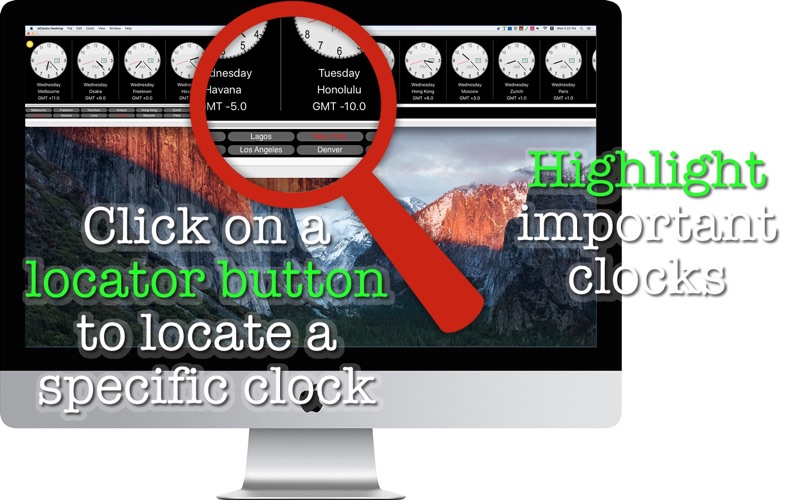
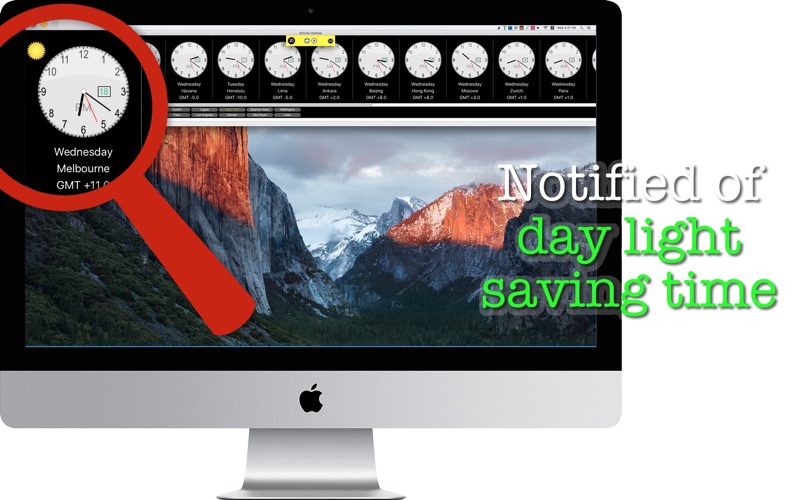
aClocks Desktop is a desktop version of an existing iOS app that lets you run multiple analog clocks at a time. Just as the iOS version does, aClocks Desktop covers more than 200 cities around the globe. aClocks observes day light saving time and Japanese holidays. If you have a clock that is under the day light saving time, then a clock will have a graphic notation at the top-left corner.
aClocks Desktop is a news app by Tomoyuki Okawa for Mac. It needs macOS 10.11 or later.
Heads up: aClocks Desktop has not had an App Store update since 17 Feb 2017. Apps that go this long without updates may not work well on the latest macOS or iOS.
Price and purchases
aClocks Desktop is free to download from the App Store.
Price from the App Store, checked 12 Nov 2026. Prices and purchases change; check the App Store before you buy.
Facts
- Price
- Free
- Requires
- MacOS 10.11 or later
- Version
- 1.1.0
- Last updated
- 17 Feb 2017
- Size
- 15 MB
- Age rating
- 4+
- First released
- 2 Feb 2017
- App Store category
- News
- Also listed in
- Business
From the App Store listing, checked .
What's new in version 1.1.0
1. The user can now create a clock by searching a city name. When they click on the + button over the navigation menu, a new menu button will appear at the bottom. Note that the search function will run case-sensitively. 2. The user can now switch clock skins by choosing Clock Styles under Clock. 3. A new add-on purchase is available. With 'Clock styles,' the user will have access to a total of 22 clock skins. 4. Several other minor changes are made.
From the developer's App Store release notes.
Alternatives to aClocks Desktop
Other news apps for Mac, by App Store chart ranking.
 Riverside for MacFree, same category, 13 MB smaller
 FireShotFree, same category, 13 MB smaller
 Friendly for TwitterFree, same category, 4.6 MB smaller
 NYTE:News You Trust ExplorerFree, same category, 4.1 MB smaller
 RSS FollowerFree, same category, 9.5 MB smaller
 iClarifiedFree, same category, 15 MB smaller
Details
- Developer
- Tomoyuki Okawa ↗
- Category
- News


