

Productivity and work Productivity app for Mac
Alfred
by Running with Crayons Ltd
- Price
- Free
- Platforms
- Mac
- Requires
- macOS 10.6+
- Updated
- 1 May 2012
Overview
From the developer's App Store description:
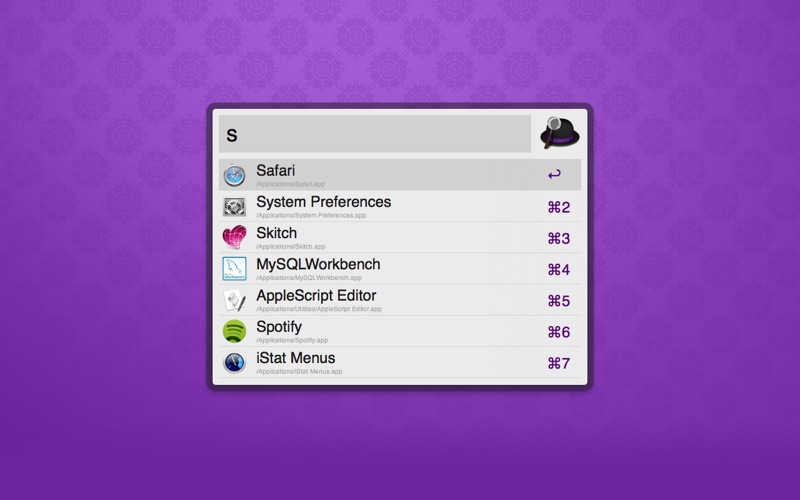
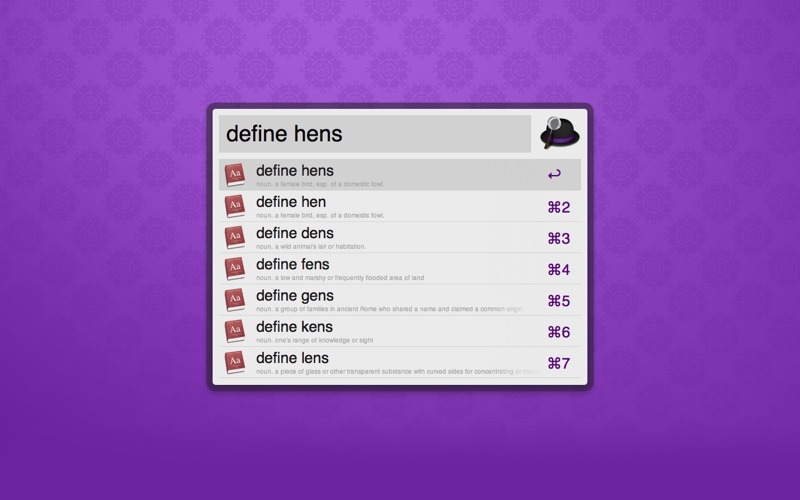
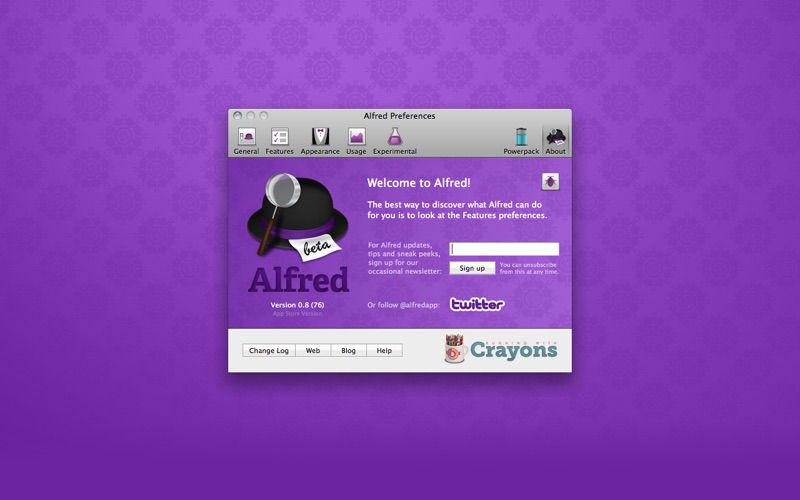
Alfred is a keyboard-driven productivity application, helping you launch apps and search your local computer as well as the web with great speed.
Alfred is a productivity app by Running with Crayons Ltd for Mac. It needs macOS 10.6 or later.
Heads up: Alfred has not had an App Store update since 1 May 2012. Apps that go this long without updates may not work well on the latest macOS or iOS.
Price and purchases
Alfred is free to download from the App Store.
Price from the App Store, checked 12 Nov 2026. Prices and purchases change; check the App Store before you buy.
Facts
- Price
- Free
- Requires
- MacOS 10.6 or later
- Version
- 1.2
- Last updated
- 1 May 2012
- Size
- 2 MB
- Age rating
- 4+
- First released
- 30 Dec 2010
- App Store category
- Productivity
- Also listed in
- 仕事効率化, ユーティリティ
From the App Store listing, checked .
What's new in version 1.2
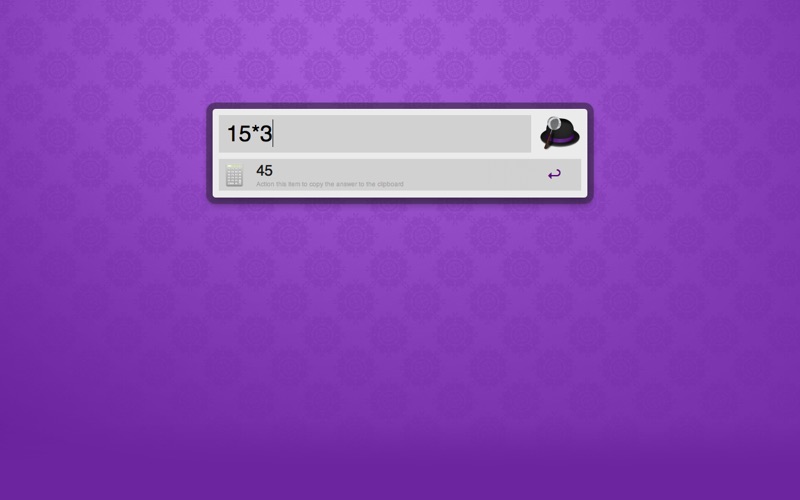
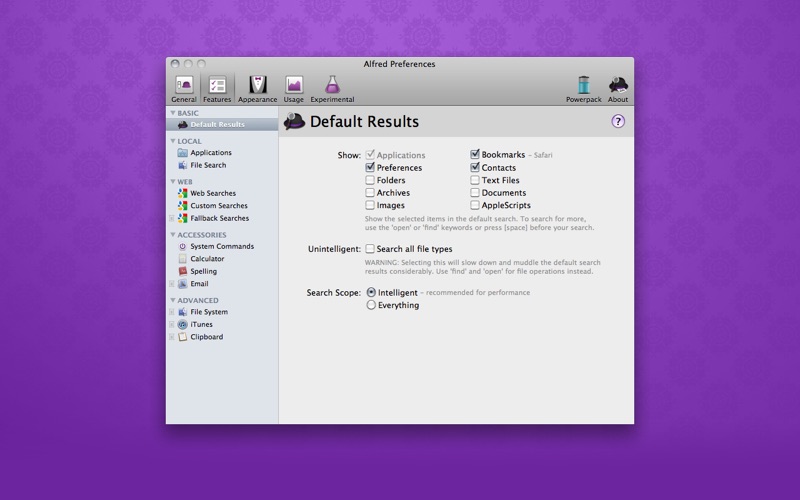
This is a huge release with 2 new colour themes, Large type support and much more! See alfredapp.com for more details. NEW FEATURES: * 2 new themes from user theme competition - Dark and Smooth & Pistachio * Large type support, use ⌘L to show the currently typed text or calculation in large type * Drag results (files / images etc) out of Alfred into emails, graphics apps, Finder * New 'Advanced' option for Default Result types, add any file type you like to the default results (still recommend open/find/[spacebar]prefix for file search) IMPROVEMENTS: * Overhaul to file searching algorithm allowing, now non-continuous word based matching * Improvements to the 'in' keyword allowing for disjoint keyword matching * More exact matching for 'text files' in the default results, no longer matches .ics files * Improved decimal point configuration in the Calculator, now allowing forced decimal separator output for comma based locales * Alfred.app no longer shows in results and typing 'alfred' now opens the preferences * Add Xcode's new Applications location to the default search scope * More flexibility on the Spell/Define keywords, allow matching on items not in the dictionary …
From the developer's App Store release notes.
Alternatives to Alfred
Other productivity apps for Mac, by App Store chart ranking.



Details
- Developer
- Running with Crayons Ltd ↗
- Category
- Productivity
- Website
- alfredapp.com