
Productivity and work Finance app for Mac
Bank Statement PDF Converter
by Cleverson
- Price
- Free
- Platforms
- Mac
- Requires
- macOS 13.5+
- Updated
- 12 Oct 2026


Overview
From the developer's App Store description:
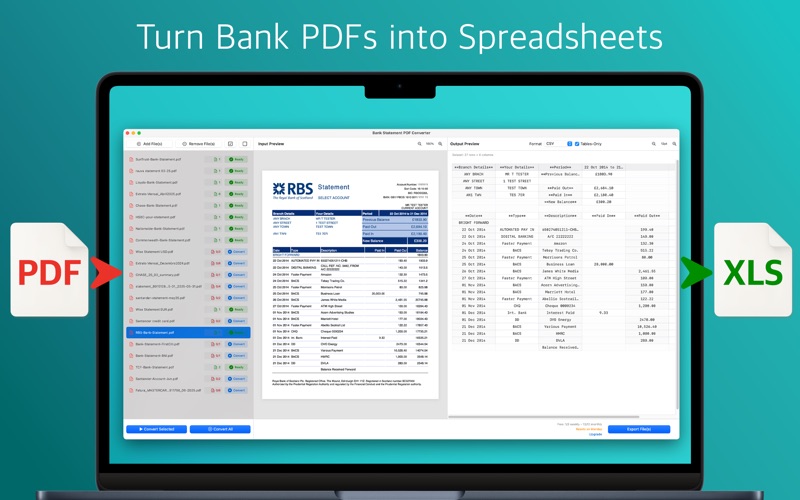
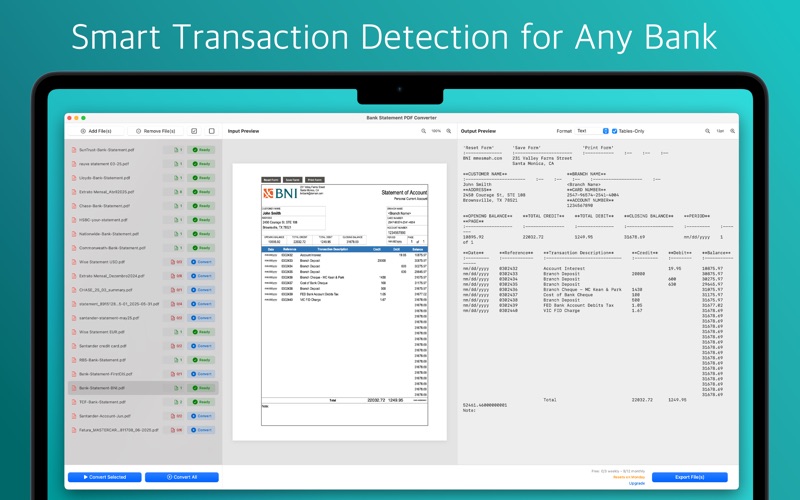
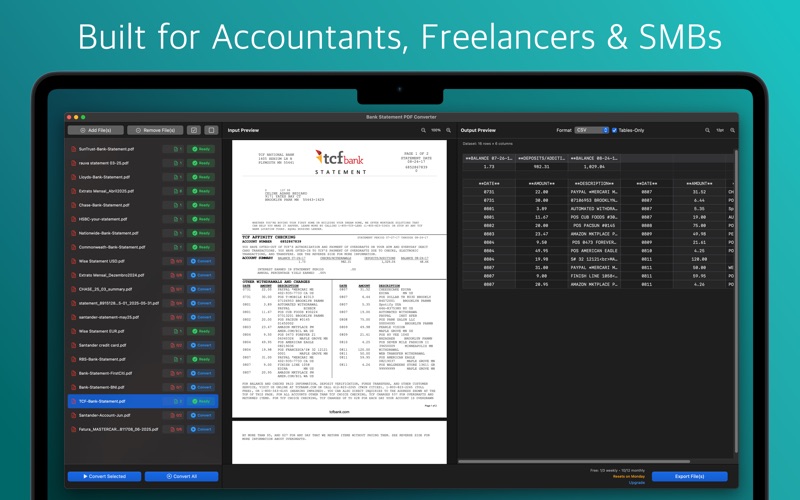
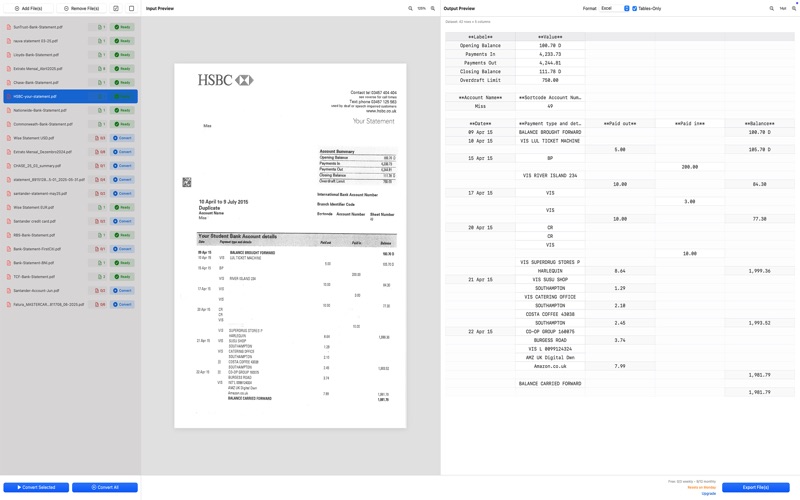
Convert bank statements into organised spreadsheets—instantly and securely. Bank Statement PDF Converter extracts every transaction from your PDF statements and delivers perfectly‑formatted Excel, CSV, QuickBooks (QBO), Quicken (QFX), OFX, QIF, Xero and YNAB files, ready for your accounting software and tax prep. A built-in balance check confirms every transaction adds up.
Bank Statement PDF Converter is a finance app by Cleverson for Mac. It needs macOS 13.5 or later.
Price and purchases
Bank Statement PDF Converter is free to download from the App Store.
Price from the App Store, checked 12 Nov 2026. Prices and purchases change; check the App Store before you buy.
Facts
- Price
- Free
- Requires
- MacOS 13.5 or later
- Version
- 1.2.0
- Last updated
- 12 Oct 2026
- Size
- 14 MB
- Age rating
- 4+
- First released
- 1 Jul 2025
- App Store category
- Finance
- Also listed in
- Productivity
From the App Store listing, checked .
What's new in version 1.2.0
• Balance check: every converted statement is verified (opening balance + transactions = closing balance), so you know nothing was missed or misread. • Export for accounting software: QuickBooks (.qbo), Quicken (.qfx), OFX, QIF, Xero CSV, YNAB CSV and a clean transactions CSV. • Catch-up mode: combine months of statements into one file per account, with overlapping transactions removed. • Faster and more reliable on long statements: pages are processed in parallel and long outputs are never cut off. • Account numbers and reference IDs keep their leading zeros in Excel. • Clearer error messages, and a failed conversion no longer uses your monthly pages.
From the developer's App Store release notes.
Alternatives to Bank Statement PDF Converter
Other finance apps for Mac, by App Store chart ranking.
 Trading FlowFree, same category, 5.1 MB smaller
 Trading ProFree, same category, 7.8 MB larger
 Trading InsightsFree, same category, 9.2 MB smaller
 10bii Financial Calculator$16.99, same category, 5.0 MB smaller
 HomeBudget with Sync$19.99, same category, 65 MB larger
 WebullFree, same category, 166 MB larger
Details
- Developer
- Cleverson ↗
- Category
- Finance
- Website
- greatapps.store


