
Developer Coding and developer app for Mac
BBEdit
by Bare Bones Software, Inc.
- Price
- Free
- Platforms
- Mac
- Requires
- macOS 14.6+
- Updated
- 3 Nov 2026
Overview
From the developer's App Store description:
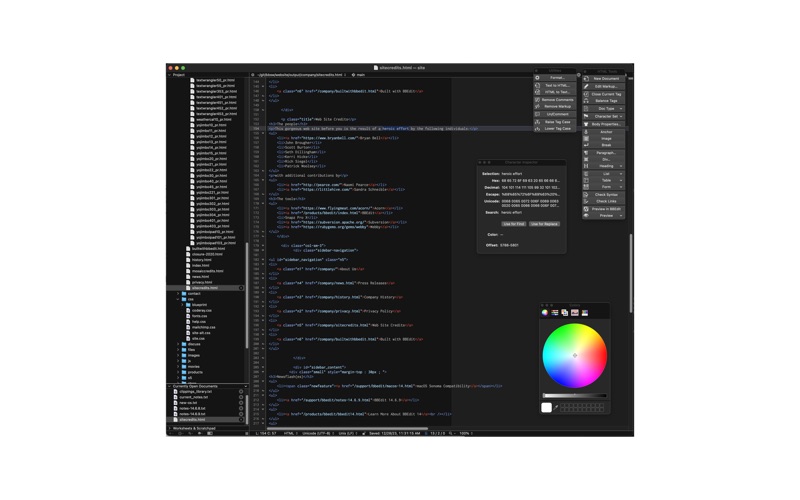
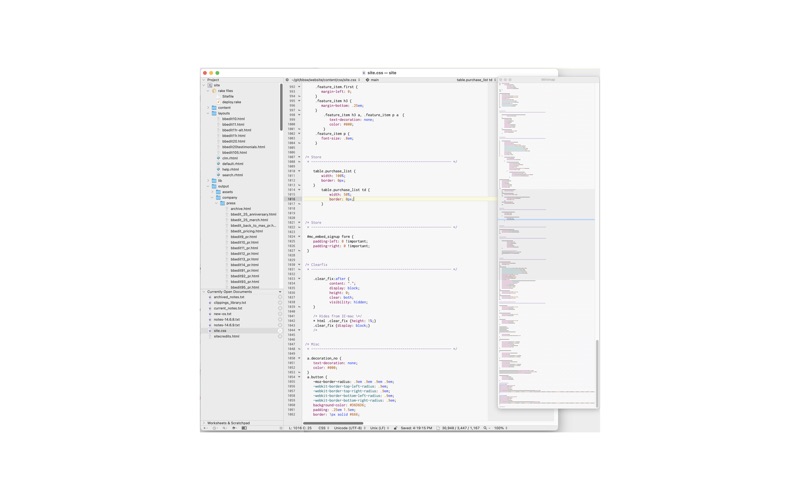
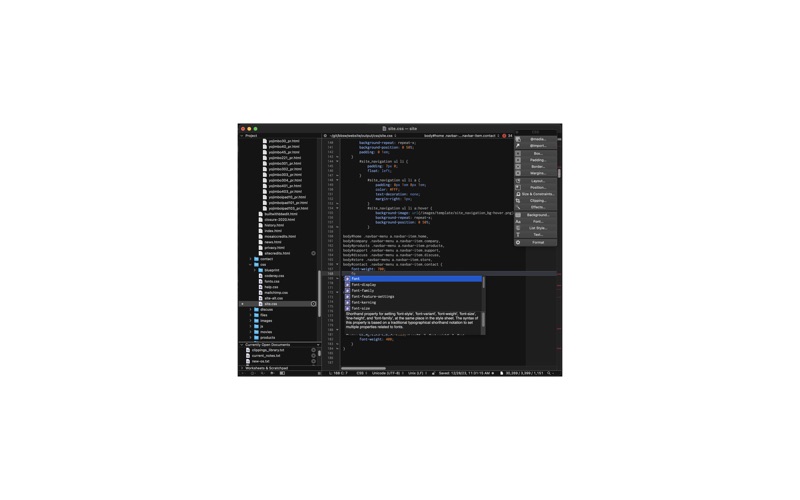
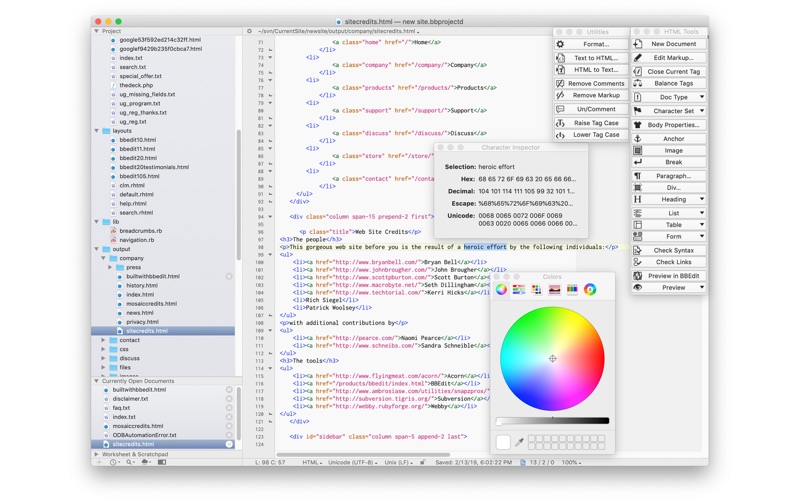
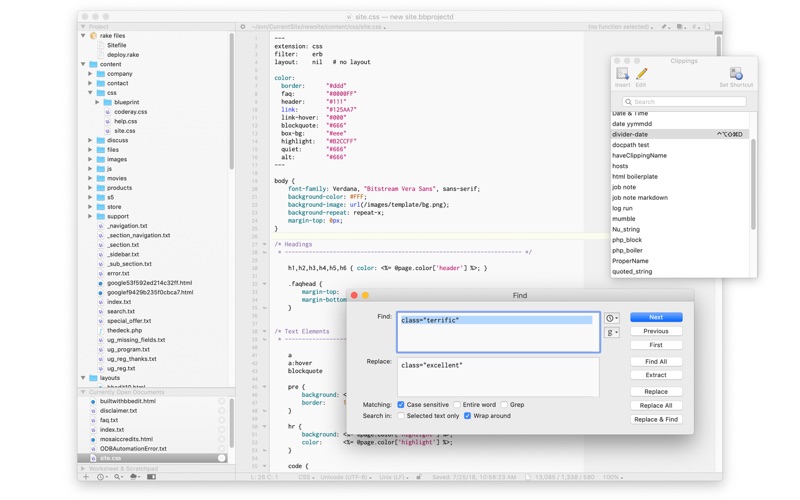
BBEdit is the leading professional text, code, and markup editor for the Macintosh. As the "go to" tool for web site designers, web application developers, writers, and software developers, this award-winning product provides an abundance of high-performance features for editing, searching, and manipulation of text, code, and HTML/XML markup.
BBEdit is a coding and developer app by Bare Bones Software, Inc. for Mac. It needs macOS 14.6 or later.
Price and purchases
BBEdit is free to download from the App Store.
Price from the App Store, checked 12 Nov 2026. Prices and purchases change; check the App Store before you buy.
Facts
- Price
- Free
- Requires
- MacOS 14.6 or later
- Version
- 16.1
- Last updated
- 3 Nov 2026
- Size
- 22 MB
- Age rating
- 4+
- First released
- 5 Jan 2011
- App Store category
- Developer Tools
- Also listed in
- Productivity
From the App Store listing, checked .
What's new in version 16.1
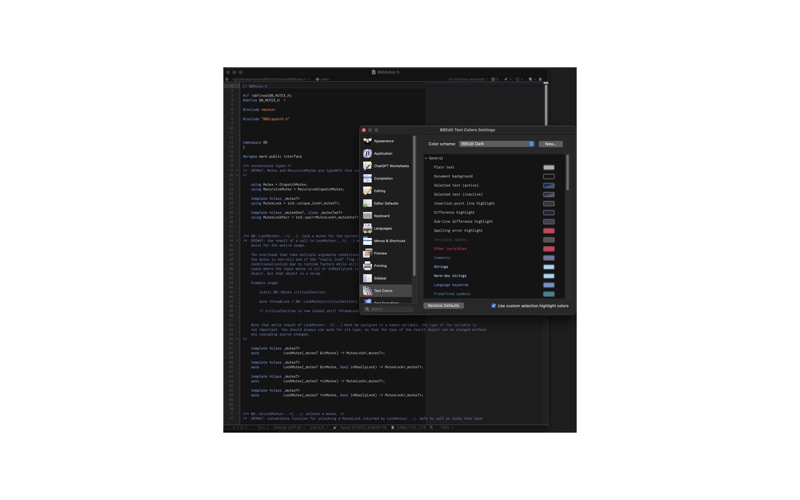
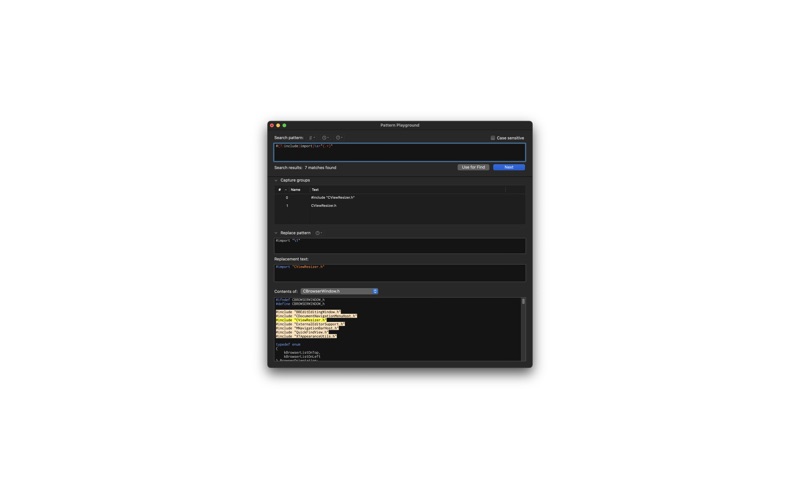
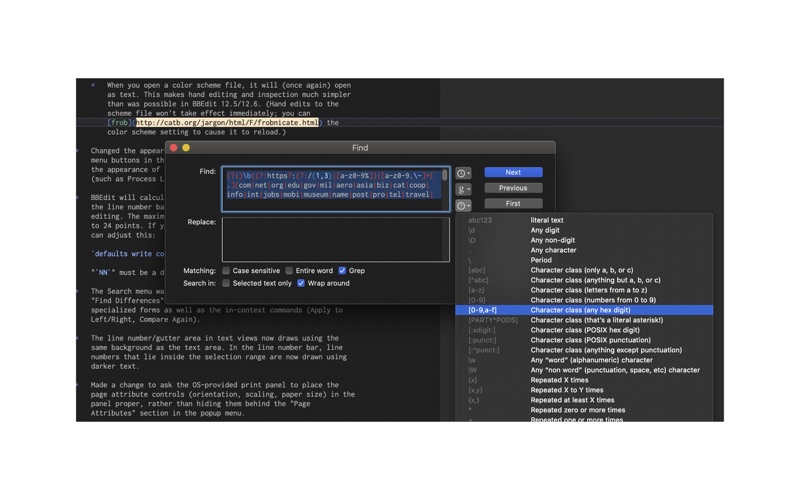
BBEdit 16.1 adds: a new way to build support for your own languages; highlight patterns; HTML checking enhancements; and syntax coloring inside Markdown code blocks. BBEdit starts up faster, and large files open much faster. This update is free and recommended for all customers, and also includes fixes for reported issues. NEW IN THIS VERSION • Language Playgrounds: a new interface for adding support for languages BBEdit doesn't include. Playgrounds produce Declarative Language Modules, a richer format that replaces codeless language modules. Start from scratch or import an existing codeless module. On macOS 26 and later with Apple Intelligence turned on, you can also give the language's name, a sample file, and some documentation, and Apple Intelligence will draft a playground to start from. • Highlight Patterns: define a literal string or a Grep pattern in the Setup window, and BBEdit highlights every match in your open documents in the color you choose, with an optional Dark Mode color and tick marks in the scroll bar. Create a pattern from the Find window or the Live Search bar, and turn patterns on or off globally or per language. …
From the developer's App Store release notes.
Alternatives to BBEdit
Other coding and developer apps for Mac, by App Store chart ranking.


Details
- Developer
- Bare Bones Software, Inc. ↗
- Category
- Coding and developer
- Website
- barebones.com