

- Price
- Paid (CA$6.99 in the Canadian App Store)
- Platforms
- iPhone
- Requires
- iOS 12.0+
- Updated
- 1 Jun 2026
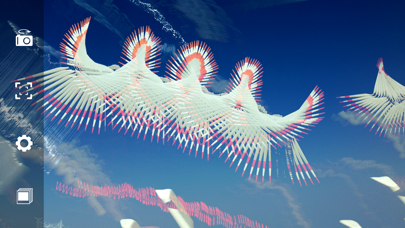
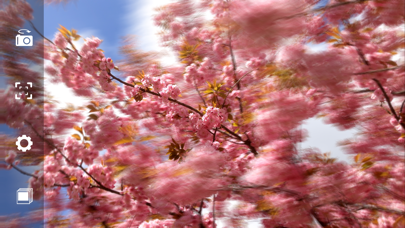
Overview
From the developer's App Store description:
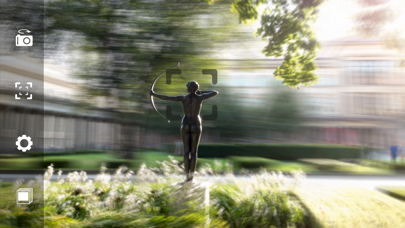
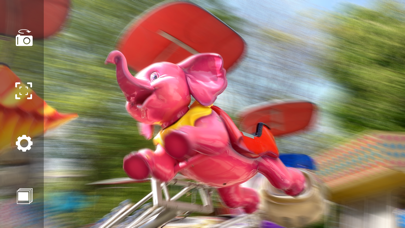
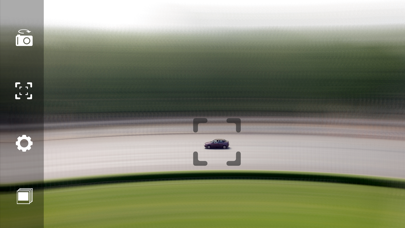
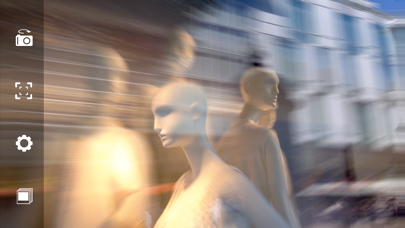
Long & multi exposure photography with real-time tracking. Track moving or still objects with a real-time preview to create smooth background and foreground blur. You can also record first and apply tracking afterward, which is ideal for faster-moving objects. Combine multiple exposures and step back to remove the last one.
Bluristic is a photo editing app by Johannes Pfahler for iPhone. It needs iOS 12.0 or later.
Price and purchases
Bluristic is a paid app: CA$6.99 in the Canadian App Store. US pricing may differ.
Price from the App Store, checked 12 Nov 2026. Prices and purchases change; check the App Store before you buy.
Facts
- Price
- Paid (CA$6.99 in the Canadian App Store)
- Requires
- IOS 12.0 or later
- Version
- 1.8
- Last updated
- 1 Jun 2026
- Size
- 18 MB
- Age rating
- 4+
- First released
- 3 Jun 2014
- App Store category
- Photo & Video
- Also listed in
- Entertainment
- Rating count
- 5 ratings on the App Store
From the App Store listing, checked .
What's new in version 1.8
+ multi exposure + mirror mode + black & white + invert color mode + Zebra mode with a lot of adjustments + improved adding and removing of tracking points + optional longer exposure time in Blend mode (up to half an hour) + 60 fps + screen can be recorded + GPS can be saved with images + live contrast preview + option to skip the final image and take the next picture directly + tracking can continue after capture to be used again in next capture + tracking points can be removed automatically after a capture + you can remove the last image from the gallery when auto save is on + you can step back when you took a multi exposure + optional double tap so you don't have to hold the capture button during a long exposure + optional 3 second timer before capture starts + shutter effect can be controlled by camera angle + shutter effect can now be used in Blend mode + saving images is now very fast + improved UI + video preview + the last frame of the video can be shown 5 seconds longer + video direct draw mode
From the developer's App Store release notes.
Alternatives to Bluristic
Other photo editing apps for iPhone, by App Store chart ranking.
 Canva AI Photo & Video EditorFree, same category, 182 MB larger
 B&W Photography MagazinePaid, same category, 13 MB larger
 Outdoor Photography MagazinePaid, same category, 9.5 MB larger
 SnapchatFree, same category, 414 MB larger
 2AM CAM$0.99, same category, 1.6 MB smaller
 Google PhotosFree, same category, 420 MB larger
Details
- Developer
- Johannes Pfahler ↗
- Category
- Photo editing