

Creative Video editing app for iPhone
CapCut
by Bytedance Pte. Ltd
- Price
- Free
- Platforms
- iPhone
- Requires
- iOS 15.0+
- Updated
- 10 Nov 2026


Overview
From the developer's App Store description:
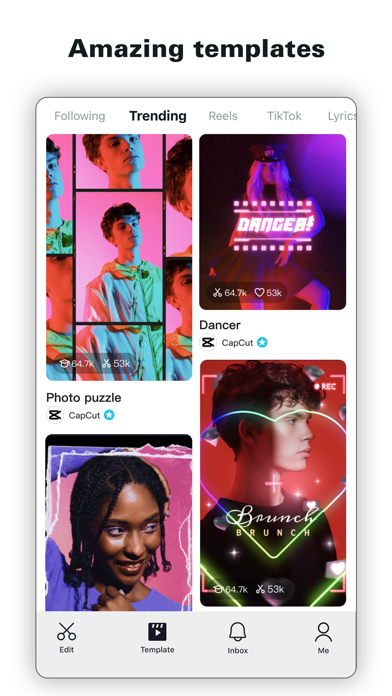
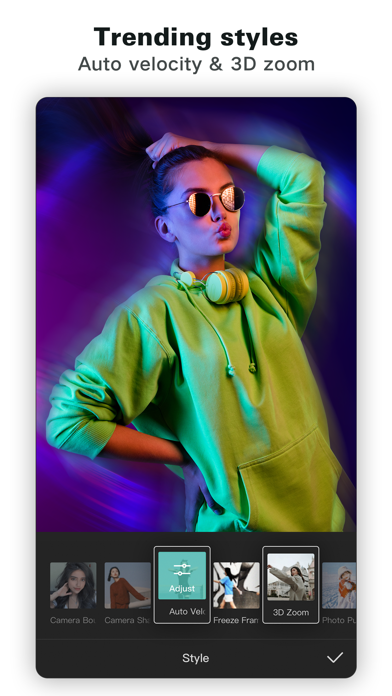
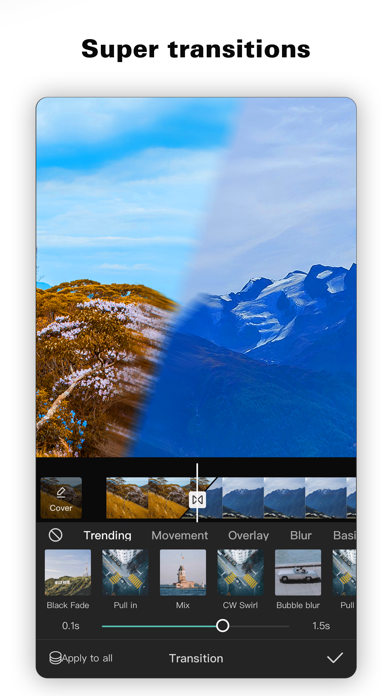
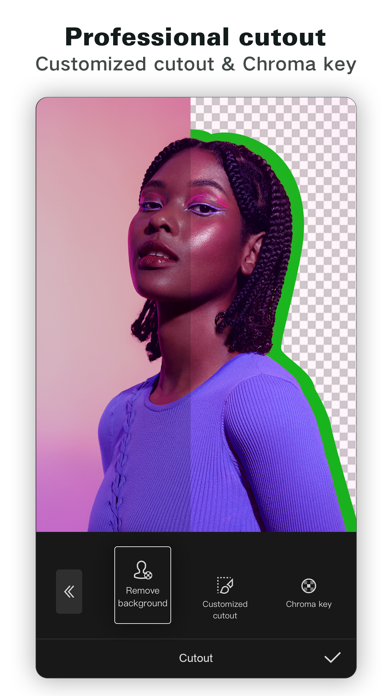
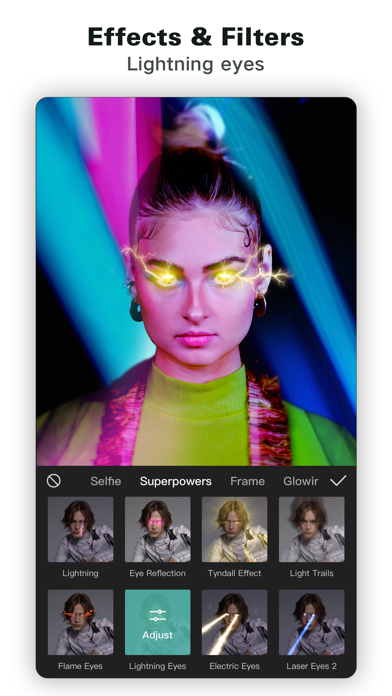
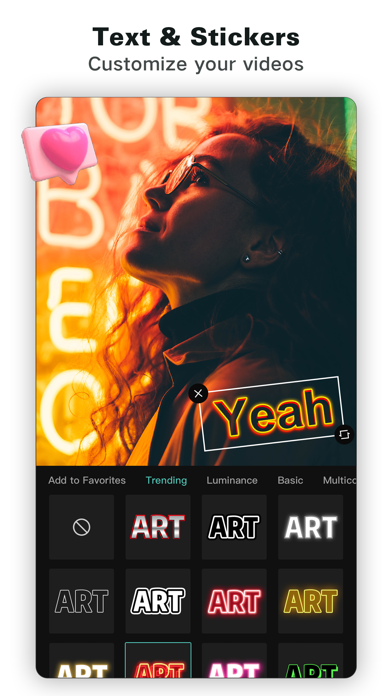
CapCut offers easy-to-use video editing functions, in-APP fonts and effects, advanced features such as keyframe animation, smooth slow-motion, chroma key, and stabilization, to help you capture and snip moments. Create fancy videos with other unique features: auto captions, text-to-speech, motion tracking, and background removal. Show your personality and go viral on TikTok, YouTube, Instagram, WhatsApp, and Facebook!
CapCut is a video editing app by Bytedance Pte. Ltd for iPhone. It needs iOS 15.0 or later.
Who it fits: People who want a free-to-download video editing app for iPhone and have iOS 15 or later. At 848 MB it is larger than the typical video editing app for iPhone (115 MB).
Price and purchases
CapCut is free to download from the App Store.
Price from the App Store, checked 12 Nov 2026. Prices and purchases change; check the App Store before you buy.
Facts
- Price
- Free
- Requires
- IOS 15.0 or later
- Version
- 20.1.0
- Last updated
- 10 Nov 2026
- Size
- 848 MB
- Age rating
- 12+
- First released
- 14 Apr 2020
- App Store category
- Photo & Video
- Rating count
- 1,126,746 ratings on the App Store
From the App Store listing, checked .
What's new in version 20.1.0
- Fixed some known issues and improved the trimming experience. We thank you for supporting CapCut and look forward to creating beautiful moments together.
From the developer's App Store release notes.
Alternatives to CapCut
Other video editing apps for iPhone, by App Store chart ranking.


Questions
Is CapCut free?
CapCut is free to download from the App Store. Our App Store data does not show whether it also sells in-app purchases or a subscription, so check the listing if you need it to be free to use.
Does CapCut work on iPhone?
Yes. CapCut is on the App Store for iPhone and needs iOS 15 or later. There is no Mac version on the App Store.
What are alternatives to CapCut?
Similar video editing apps for iPhone include Edits (free), TikTok (free) and Amazon Prime Video (free).
Edits · TikTok · Amazon Prime Video · All video editing apps for iPhone
Details
- Developer
- Bytedance Pte. Ltd ↗
- Category
- Video editing
- Website
- capcut.com

