

- Price
- Paid (€2.99 in a euro-area App Store)
- Platforms
- iPhone
- Requires
- iOS 13.0+
- Updated
- 3 Nov 2026


Overview
From the developer's App Store description:
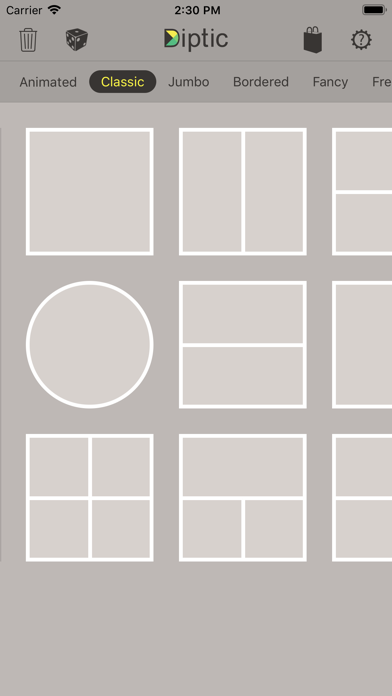
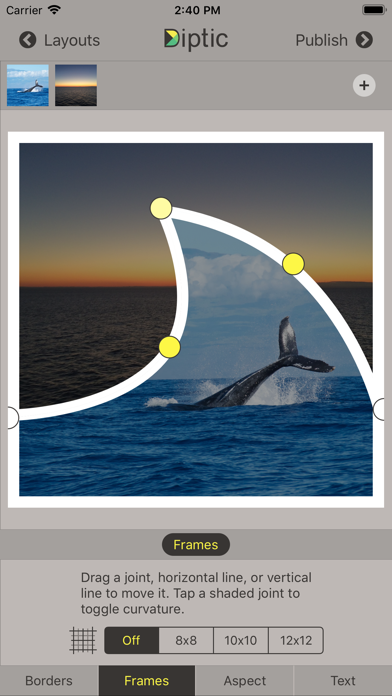
Diptic, a former App Store App of the Week, helps you create and share beautiful photo and video collages. See for yourself why millions of people have downloaded this app! Tell more of the story with Diptic. Combine photos and videos into beautiful collages that feel distinctly yours.
Diptic is a photo editing app by RRRB LLC for iPhone. It needs iOS 13.0 or later.
Price and purchases
Diptic is a paid app: €2.99 in a euro-area App Store. US pricing may differ.
Price from the App Store, checked 12 Nov 2026. Prices and purchases change; check the App Store before you buy.
Facts
- Price
- Paid (€2.99 in a euro-area App Store)
- Requires
- IOS 13.0 or later
- Version
- 11
- Last updated
- 3 Nov 2026
- Size
- 14 MB
- Age rating
- 4+
- First released
- 23 Jun 2010
- App Store category
- Photo & Video
- Also listed in
- Foto und Video, Dienstprogramme
- Rating count
- 240 ratings on the App Store
From the App Store listing, checked .
What's new in version 11
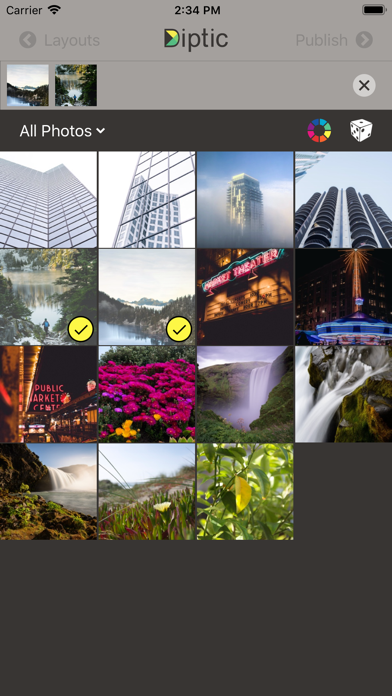
Diptic is back! Under new management (the original creators)! After more than five years, we're excited to bring you Diptic 11! We've been busy refreshing the app for modern devices, fixing bugs, and adding a few new tricks. What's new: • NEW: Animated Layout: Accordion! Create animated collages with three expanding photo or video panels. Watch your images come to life, then export and share as a video. • Better photo picking. An updated Apple photo picker makes adding photos and videos to individual frames feel more familiar and faster. • More reliable iCloud Photos. See download progress when selecting photos stored in iCloud, with better handling of slow connections and failed downloads. • Drag and drop. On iPad and Mac, drag photos directly into your collage frames. • Actual Mac support. Fixed a crash when displaying photos, along with other compatibility improvements. • Little things too... Clearer buttons, improved navigation, smoother photo browsing, and updated support links. We're thrilled to be working on Diptic again. Thank you to everyone who's continued using and loving the app over the years. More to come!
From the developer's App Store release notes.
Alternatives to Diptic
Other photo editing apps for iPhone, by App Store chart ranking.
 Canva AI Photo & Video EditorFree, same category, 187 MB larger
 B&W Photography MagazinePaid, same category, 17 MB larger
 Outdoor Photography MagazinePaid, same category, 14 MB larger
 SnapchatFree, same category, 418 MB larger
 2AM CAM$0.99, same category, 2.7 MB larger
 Google PhotosFree, same category, 424 MB larger
Details
- Developer
- RRRB LLC ↗
- Category
- Photo editing
- Website
- diptic.fyi