

Mac utilities and customization Utility app for Mac
File Cabinet Lite
by App Tyrant Corp
- Price
- Free
- Platforms
- Mac
- Requires
- macOS 10.15+
- Updated
- 13 May 2026



Overview
From the developer's App Store description:
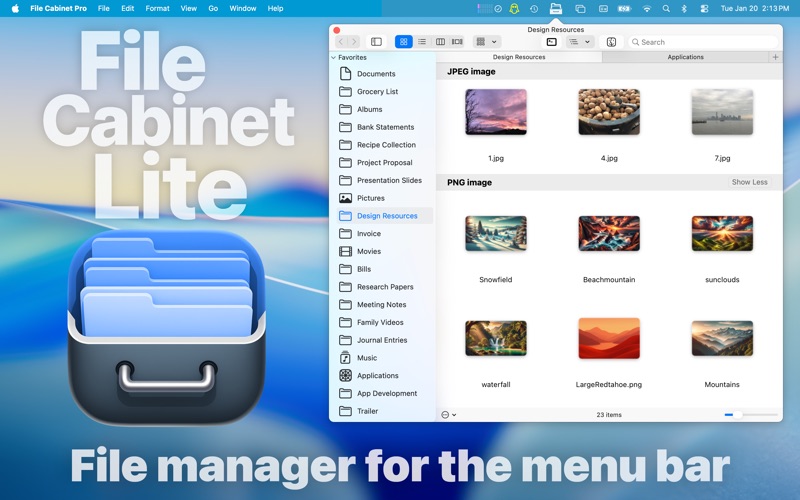
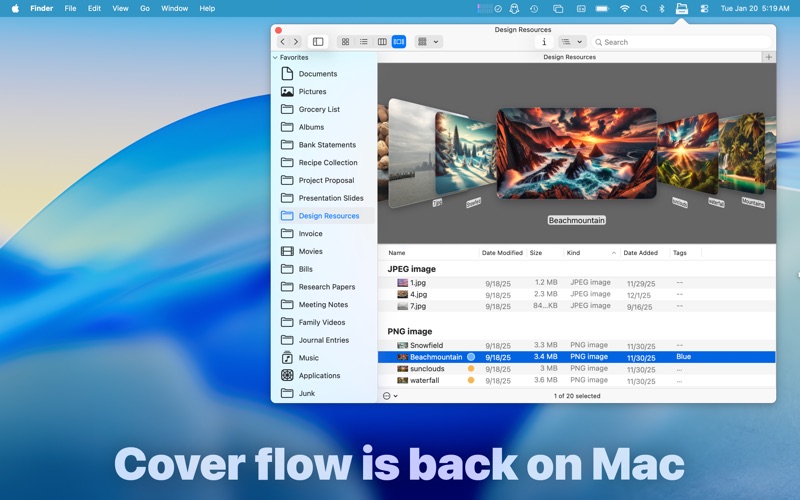
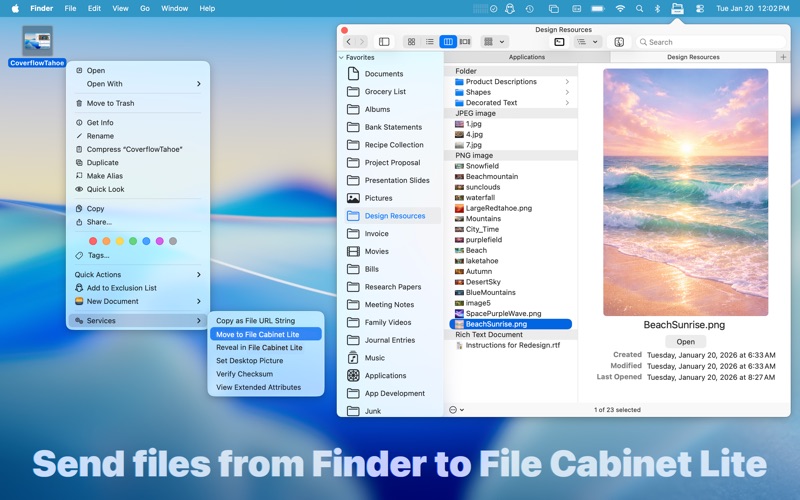
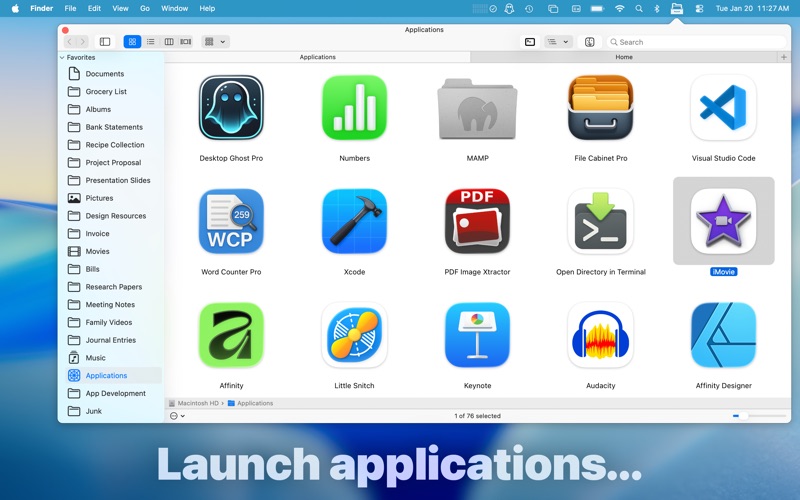
File Cabinet Lite is the lite version of File Cabinet Pro, the file manager for the macOS menu bar. With File Cabinet Lite you can view files directly from the menu bar. File Cabinet Lite is also a document-based application that ships with a built-in text editor, image viewer, pdf viewer, and media player. After downloading File Cabinet Lite, you will be able to use all features available in File Cabinet Pro without limitation for 30 days.
File Cabinet Lite is a utility app by App Tyrant Corp for Mac. It needs macOS 10.15 or later.
Price and purchases
File Cabinet Lite is free to download from the App Store.
Price from the App Store, checked 12 Nov 2026. Prices and purchases change; check the App Store before you buy.
Facts
- Price
- Free
- Requires
- MacOS 10.15 or later
- Version
- 8.8.3
- Last updated
- 13 May 2026
- Size
- 10 MB
- Age rating
- 4+
- First released
- 1 Nov 2016
- App Store category
- Utilities
- Also listed in
- Productivity
From the App Store listing, checked .
What's new in version 8.8.3
-You can now view file metadata such as image dimensions, color space, alpha channel, etc. in File Cabinet Lite's redesigned Preview panel. -The newly redesigned Preview panel is customizable, allowing you to choose what metadata you want displayed for particular file types. To customize the Preview panel, right click on the background area in the Preview panel and choose "Show Preview Options" in the right click menu. -Drag and drop to reorder metadata entries in the "Show Preview Options" popover. -Unlike the old Preview panel which could only be viewed while in Column view, the new Preview panel can be viewed from all view types. To show or hide the Preview panel you have the following options: -Use the Command+Shift+P keyboard shortcut. -Add the "Preview" toolbar item to File Cabinet Lite's toolbar. This update also includes additional performance improvements and bug fixes.
From the developer's App Store release notes.
Alternatives to File Cabinet Lite
Other utility apps for Mac, by App Store chart ranking.
 TailscaleFree, same category, 11 MB larger
 Apple ConfiguratorFree, same category, 36 MB larger
 WireGuardFree, same category, 6.8 MB smaller
 MacDroidFree, same category, 11 MB larger
 CrystalFetch ISO DownloaderFree, same category, 6.1 MB smaller
 Microsoft Bing for SafariFree, same category, 6.2 MB smaller
Details
- Developer
- App Tyrant Corp ↗
- Category
- Utility
- Website
- apptyrant.com