
Mac utilities and customization Utility app for Mac
File Peek
by Tunabelly Software Inc.
- Price
- Free
- Platforms
- Mac
- Requires
- macOS 10.10+
- Updated
- 12 Dec 2018
Overview
From the developer's App Store description:
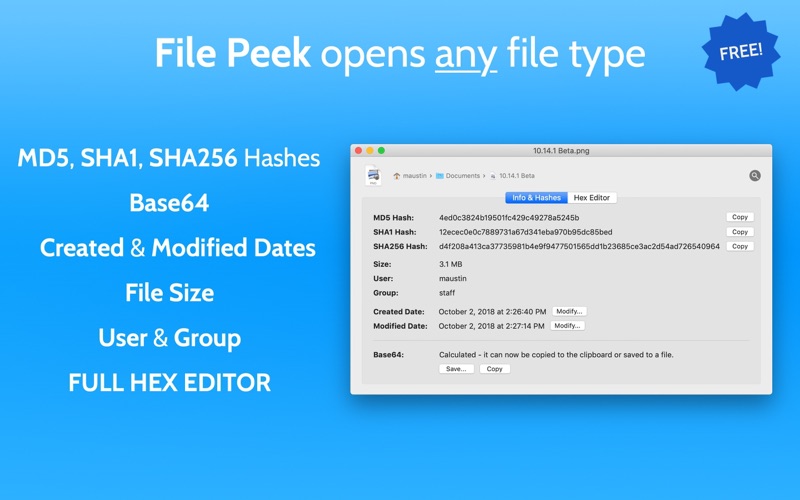
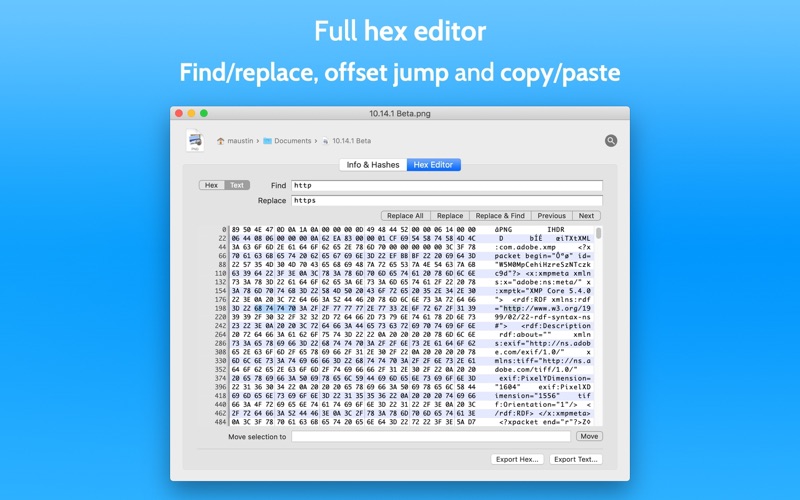
Use the built-in hex editor, get MD5, SHA1, SHA256 hashes and Base64 with one click, or change the modified and created dates. The built-in hex editor supports find/replace for easy modifying and search as well as exporting the contents to a new text or hex file. Use the one-click copy for getting a file hash or Base64 encoding for whatever use you need.
File Peek is a utility app by Tunabelly Software Inc. for Mac. It needs macOS 10.10 or later.
Heads up: File Peek has not had an App Store update since 12 Dec 2018. Apps that go this long without updates may not work well on the latest macOS or iOS.
Price and purchases
File Peek is free to download from the App Store.
Price from the App Store, checked 12 Nov 2026. Prices and purchases change; check the App Store before you buy.
Facts
- Price
- Free
- Requires
- MacOS 10.10 or later
- Version
- 1.1
- Last updated
- 12 Dec 2018
- Size
- 6 MB
- Age rating
- 4+
- First released
- 2 Feb 2017
- App Store category
- Utilities
- Also listed in
- Developer Tools
From the App Store listing, checked .
What's new in version 1.1
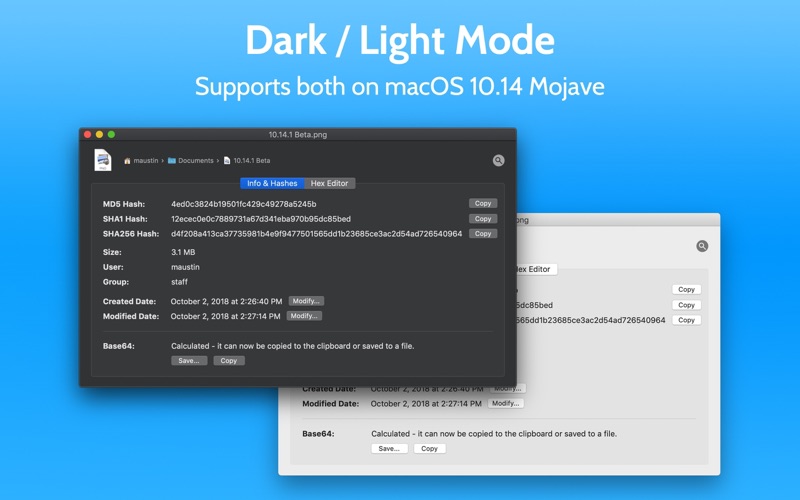
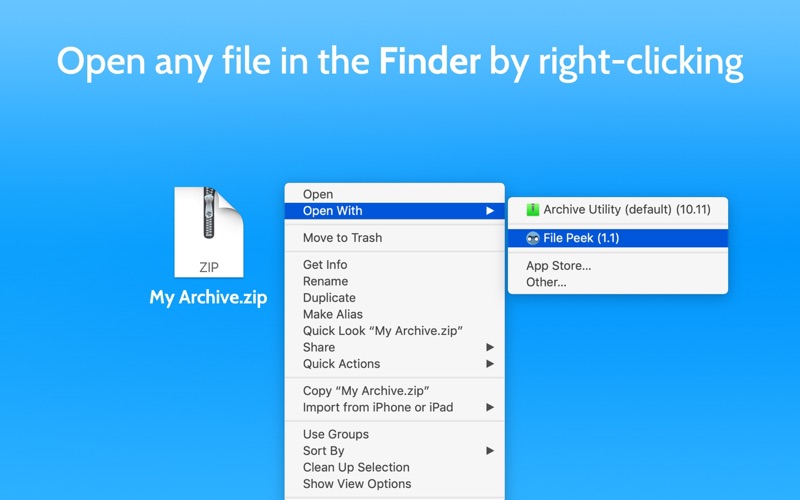
[New] macOS 10.14 (Mojave) support including for the new system wide Dark Mode. [New] File Peek now requires macOS 10.10 or higher. [New] Confirmation overlay is shown after using any of the copy-to-clipboard buttons. [Fixed] Issue where not all files would have Open With -> File Peek as a choice when right-clicking in the Finder.
From the developer's App Store release notes.
Alternatives to File Peek
Other utility apps for Mac, by App Store chart ranking.
 TailscaleFree, same category, 16 MB larger
 Apple ConfiguratorFree, same category, 40 MB larger
 WireGuardFree, same category, 2.4 MB smaller
 MacDroidFree, same category, 15 MB larger
 CrystalFetch ISO DownloaderFree, same category, 1.7 MB smaller
 Microsoft Bing for SafariFree, same category, 1.7 MB smaller
Details
- Developer
- Tunabelly Software Inc. ↗
- Category
- Utility
- Website
- tunabellysoftware.com