
Creative Video editing app for Mac
Filmora
by Wondershare Technology Group Co.,LTD
- Price
- Free
- Platforms
- Mac
- Requires
- macOS 10.15+
- Updated
- 18 Dec 2025



Overview
From the developer's App Store description:
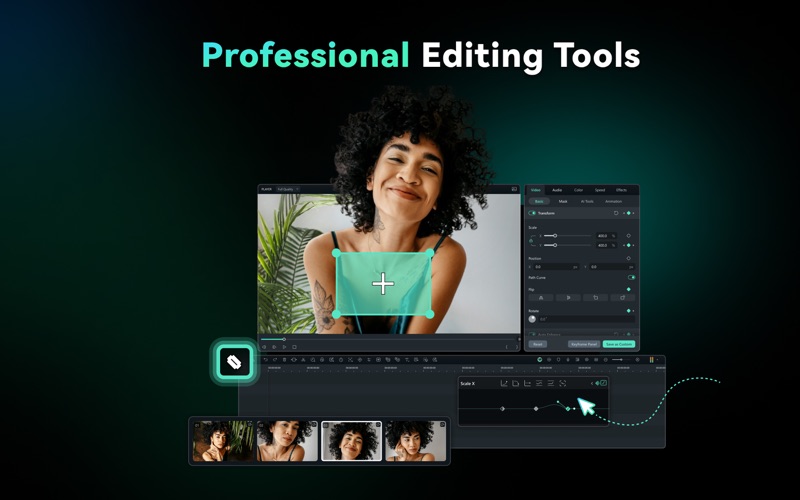
Wondershare Filmora is an AI-powered, cross-platform, feature-rich video solution to create videos with minimal effort. It simplifies advanced AI features to make them accessible to everyone. With generative AI, you can easily create stunning images, stickers, royalty-free music, and sound effects. Make your video content shine even brighter.
Filmora is a video editing app by Wondershare Technology Group Co.,LTD for Mac. It needs macOS 10.15 or later.
Price and purchases
Filmora is free to download from the App Store.
Price from the App Store, checked 12 Nov 2026. Prices and purchases change; check the App Store before you buy.
Facts
- Price
- Free
- Requires
- MacOS 10.15 or later
- Version
- 15.0.14
- Last updated
- 18 Dec 2025
- Size
- 1.2 GB
- Age rating
- 9+
- First released
- 1 Sept 2020
- App Store category
- Photo & Video
- Also listed in
- Productivity
From the App Store listing, checked .
What's new in version 15.0.14
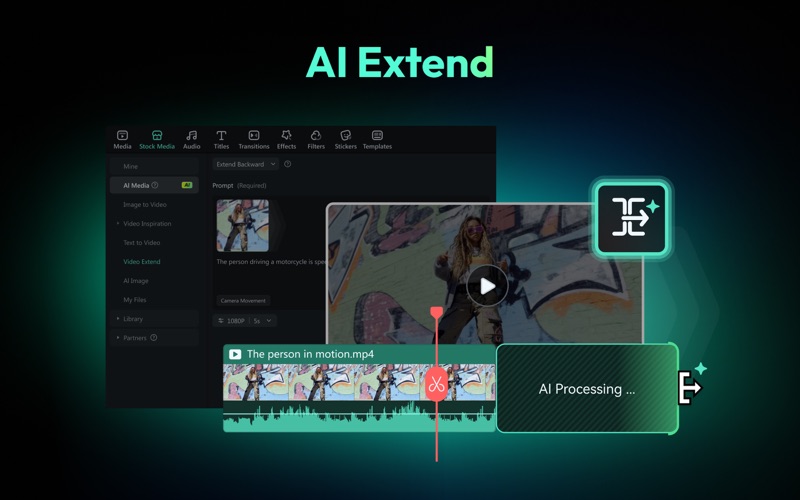
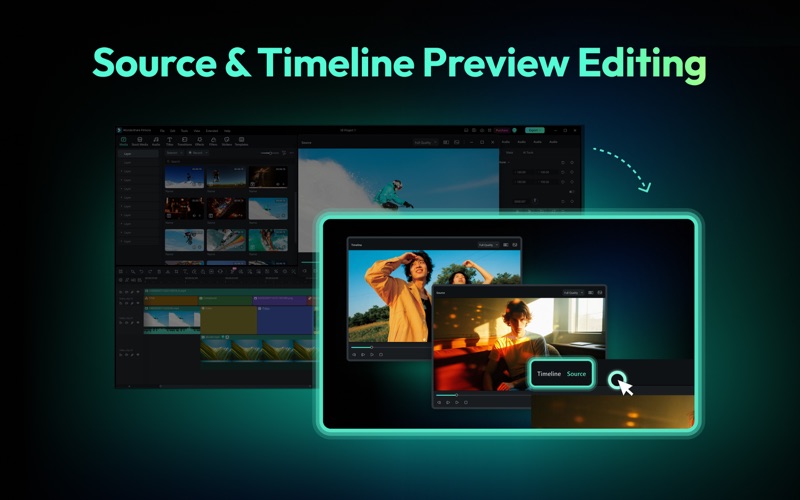
1. Upgraded 32-bit Audio Pipeline Filmora V15 introduces a new 32-bit audio pipeline for higher fidelity and dynamic range. If you need to revert to V14, please choose: File → Save As Legacy Project to save a project compatible with older versions. 2. AI Extend Effortlessly extend your clips with AI Extend. Continue video and audio directly within your timeline for seamless storytelling. 3. Pen Tool Use the Pen Tool to freely draw paths and shapes, apply a variety of stroke effects, and bind them to clips for dynamic motion tracking. 4. Animated Charts One-click data import to generate visualized charts, with rich built-in animation presets and highly customizable styles. 5. Dynamic Captions Enhanced subtitle editing experience with support for batch text processing and newly added exclusive animation effects. 6. Import Subprojects Import multiple project files as compound clips to support multi-project management and cross-project material reuse. 7. Source & Timeline Preview Editing Use the “Source Monitor” to preview materials in the Media Library and the “Timeline Monitor” to preview your timeline project, enabling efficient dual-screen editing. 8. Dual-Timeline Editing …
From the developer's App Store release notes.
Alternatives to Filmora
Other video editing apps for Mac, by App Store chart ranking.


Details
- Developer
- Wondershare Technology Group Co.,LTD ↗
- Category
- Video editing, AI
- Website
- filmora.wondershare.com