

Productivity and work PDF app for Mac
FingerCAD PRO
by Gianluca Natalini
- Price
- Paid (£3.99 in the UK App Store)
- Platforms
- Mac
- Requires
- macOS 13.0+
- Updated
- 18 Mar 2024


Overview
From the developer's App Store description:
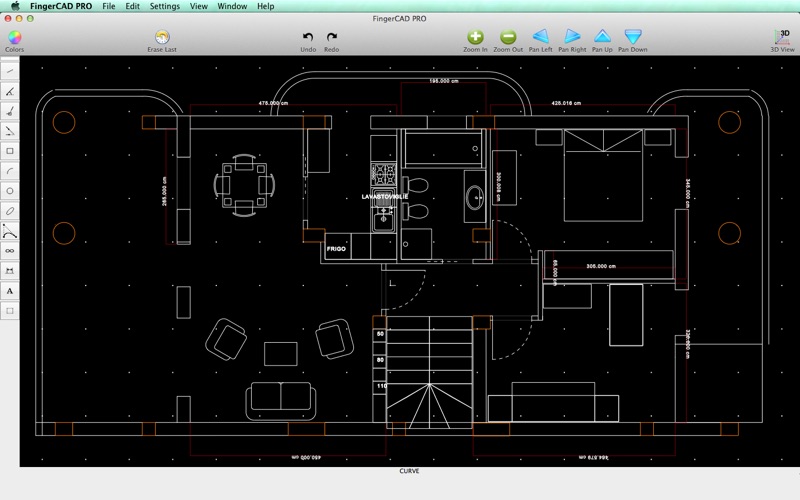
"FingerCAD PRO" is the PROFESSIONAL version of FingerCAD, the CAD application for technical drawing with fingers assisted by computer born for portable devices, used by thousands of users all over the world and now available on the Mac OS X. "FingerCAD PRO" has been completely redesigned to make the use on the Mac extremely simple and fast.
FingerCAD PRO is a PDF app by Gianluca Natalini for Mac. It needs macOS 13.0 or later.
Heads up: FingerCAD PRO has not had an App Store update since 18 Mar 2024. Apps that go this long without updates may not work well on the latest macOS or iOS.
Price and purchases
FingerCAD PRO is a paid app: £3.99 in the UK App Store. US pricing may differ.
Price from the App Store, checked 12 Nov 2026. Prices and purchases change; check the App Store before you buy.
Facts
- Price
- Paid (£3.99 in the UK App Store)
- Requires
- MacOS 13.0 or later
- Version
- 3.1
- Last updated
- 18 Mar 2024
- Size
- 3 MB
- Age rating
- 4+
- First released
- 12 Feb 2014
- App Store category
- Productivity
- Also listed in
- Education
From the App Store listing, checked .
What's new in version 3.1
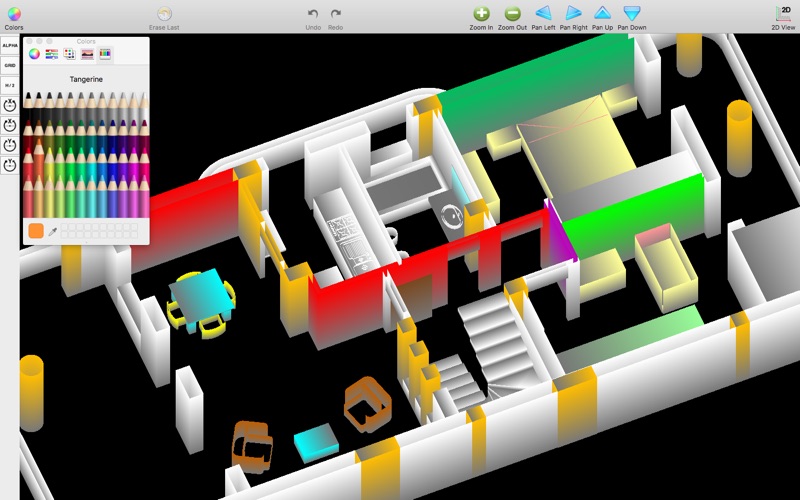
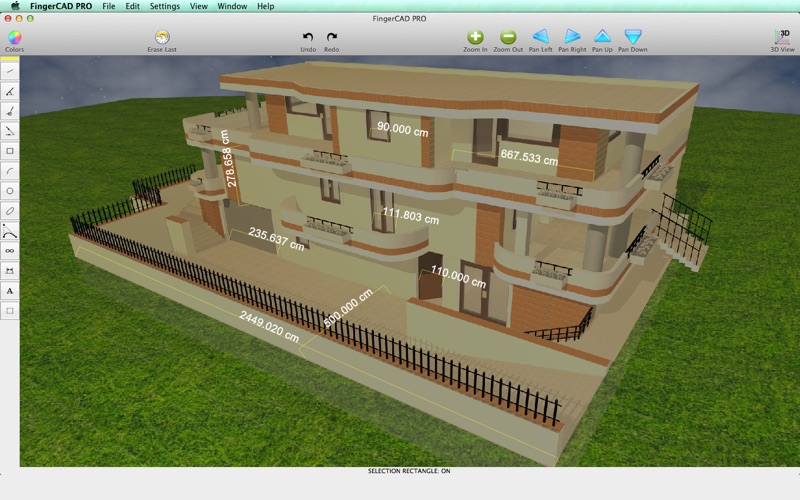
- Minor bugs fixed - the FingerCAD PRO project restarts with this new version optimized for the new MAC - created new support on Facebook for end users (new Facebook page: “Gianluca Natalini”): > any of your requests (by email or on Messenger) will be implemented and added to FingerCAD PRO as soon as possible with a free update > replies to your messages (in 24 hours), to your questions, clarifications, help… App improvements: Improved drawing and user experience in this version of FingerCAD PRO, on every type of MAC: - app interfaces redesigned and optimized for each screen/resolution, so you can use every available pixel of your MAC screen - revised all the source code and optimized for the new MAC OS - improved the FingerCAD PRO "COLOR 3D VIEWER": best 3D visualizer and colored 3D models using the colors assigned to the drawn CAD objects - best routines to measure the area of a generic polygonal 3D surface - improved app performances - added the ability to insert generic polygonal filled surfaces - best VRE (Virtual Reality Exploration) using Finger3D PRO together with FingerCAD PRO: you can walk in the 3D model and observe it using first person view: …
From the developer's App Store release notes.
Alternatives to FingerCAD PRO
Other PDF apps for Mac, by App Store chart ranking.
 PDFgearFree, same category, 126 MB larger
 PDF ReaderFree, same category, 20 MB larger
 Designs for Cricut MakerFree, same category, 9.3 MB larger
 Design Space & Font for CricutFree, same category, 14 MB larger
 Templates for AllFree, same category
 PDF Reader for Adobe PDFFree, same category, 1.8 MB smaller
Details
- Developer
- Gianluca Natalini ↗
- Category
- Website
- ngcybit.it