

- Price
- Paid (CA$4.99 in the Canadian App Store)
- Platforms
- iPhone
- Requires
- iOS 13.0+
- Updated
- 31 May 2021
Overview
From the developer's App Store description:
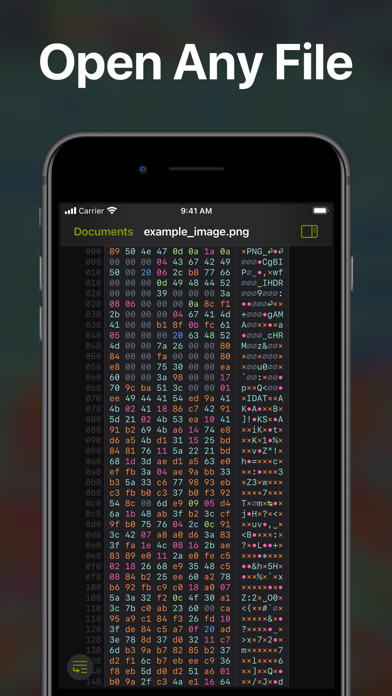
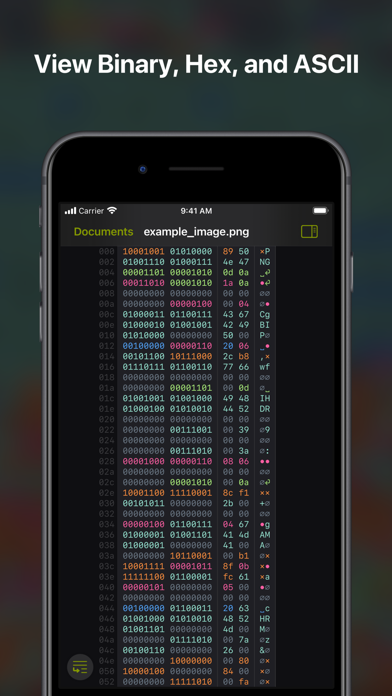
Hexer is a desktop level hex viewer packed with features. It was developed from the ground up for iOS and iPadOS. It is natural and intuitive to use for everyone. It is integrated with the Files app.
Hexer is a coding app by Hans Schulein for iPhone. It needs iOS 13.0 or later.
Heads up: Hexer has not had an App Store update since 31 May 2021. Apps that go this long without updates may not work well on the latest macOS or iOS.
Price and purchases
Hexer is a paid app: CA$4.99 in the Canadian App Store. US pricing may differ.
Price from the App Store, checked 12 Nov 2026. Prices and purchases change; check the App Store before you buy.
Facts
- Price
- Paid (CA$4.99 in the Canadian App Store)
- Requires
- IOS 13.0 or later
- Version
- 2.1
- Last updated
- 31 May 2021
- Size
- 6 MB
- Age rating
- 4+
- First released
- 1 Oct 2019
- App Store category
- Developer Tools
- Also listed in
- Utilities
- Rating count
- 3 ratings on the App Store
From the App Store listing, checked .
What's new in version 2.1
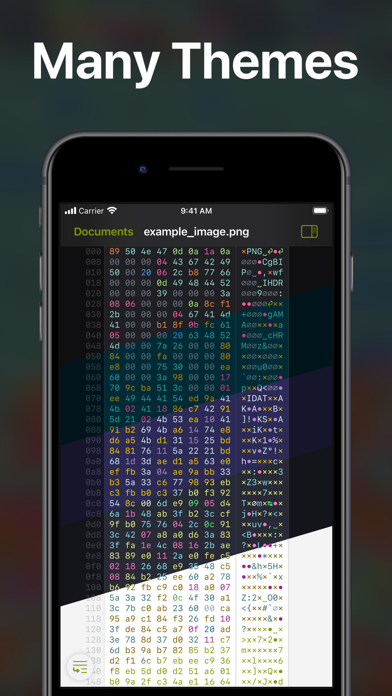
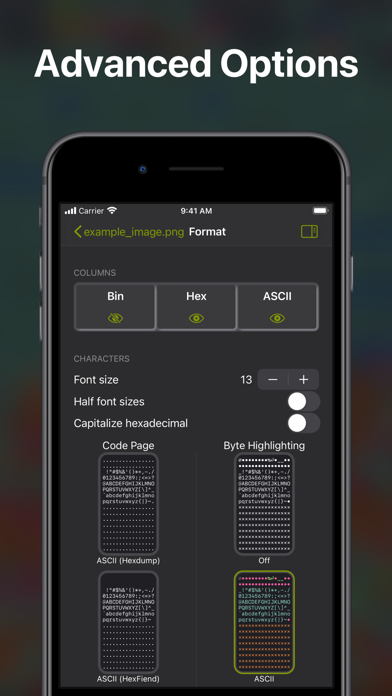
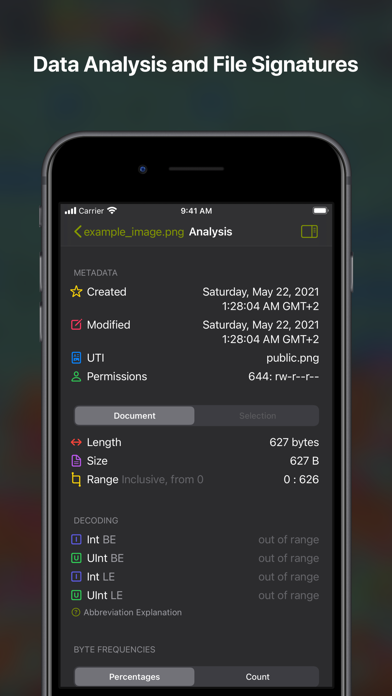
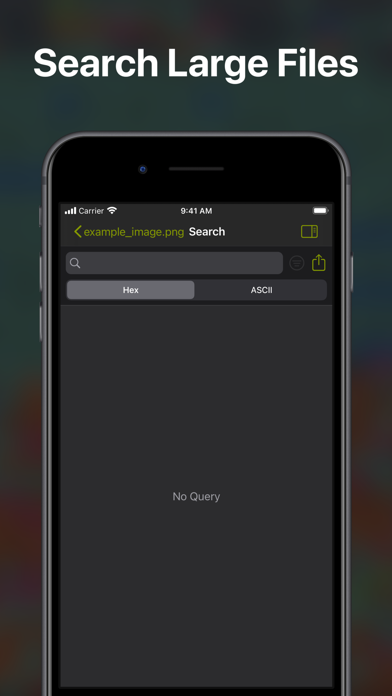
This version brings new icons as well as many medium and small improvements including new features. Search Filters and Improvements: • Filter ASCII search with RegEx and select case sensitivity • Share search results • Select search results in the document Jump to Offset: • Jump to a given hexadecimal offset • Highlight the byte at the given index Codepages Support: • Select one of multiple codepages • Support for ASCII, ISO Latin, and EBCDIC • Select multiple syntax themes for each • Classic HexFiend and HexDump modes Metadata Information: • View metadata in analysis tab • Inspect UTI, creation date, modification date and Unix Permissions iPadOS Cursor Support: • Cursor snaps accurately to bytes • Cursor snaps to byte frequencies • Added secondary click options to many buttons Visual Improvements: • New app icons! • New “Shaded of Purple” theme • Alternating rows option • Indicate currently open sidebar • Change sidebar color to resemble iWork apps • Increase sidebar width • Removed sidebar slideover mode • Indicated byte in frequency grid • Changed some contrasts for accessibility • Linked new website and mail • Further small design tweaks Bug Fixes and Improvements: …
From the developer's App Store release notes.
Alternatives to Hexer
Other coding apps for iPhone, by App Store chart ranking.


Details
- Developer
- Hans Schulein ↗
- Category
- Coding
- Website
- hexer.app