

Productivity and work Productivity app for Mac
Launchy
by Ivan Sapozhnik
- Price
- Free
- Platforms
- Mac
- Requires
- macOS 13.0+
- Updated
- 14 Jul 2026



Overview
From the developer's App Store description:
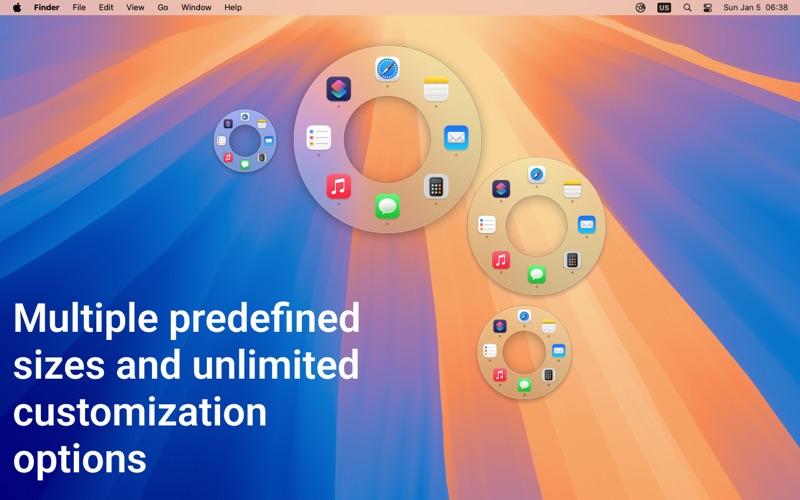
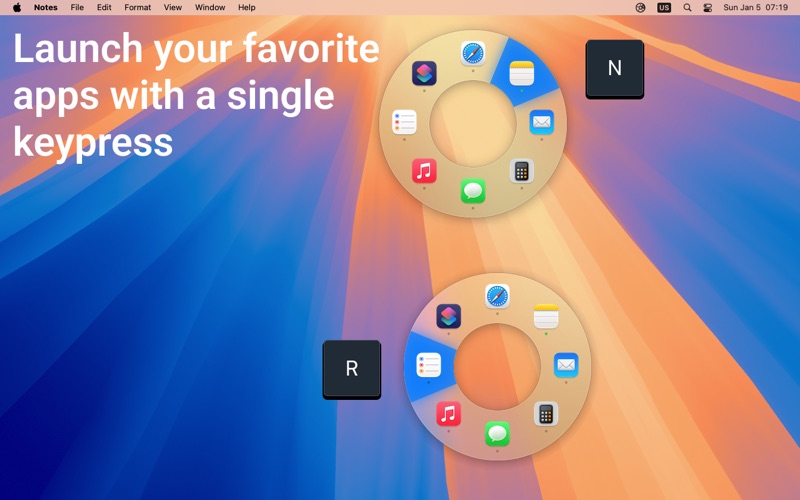
Replace Dock hunting and Command-Tab cycling with a fast radial launcher for Mac. Launch apps, files, and folders from your keyboard or mouse, centered on screen or right at the cursor. Launchy is a lightweight app launcher and switcher for macOS. It gives you a customizable radial menu for opening the things you use most, without digging through the Dock, Spotlight, or long app-switcher lists.
Launchy is a productivity app by Ivan Sapozhnik for Mac. It needs macOS 13.0 or later.
Price and purchases
Launchy is free to download from the App Store.
Price from the App Store, checked 12 Nov 2026. Prices and purchases change; check the App Store before you buy.
Facts
- Price
- Free
- Requires
- MacOS 13.0 or later
- Version
- 1.3.2
- Last updated
- 14 Jul 2026
- Size
- 3 MB
- Age rating
- 4+
- First released
- 10 Jan 2025
- App Store category
- Productivity
- Also listed in
- Utilities
From the App Store listing, checked .
What's new in version 1.3.2
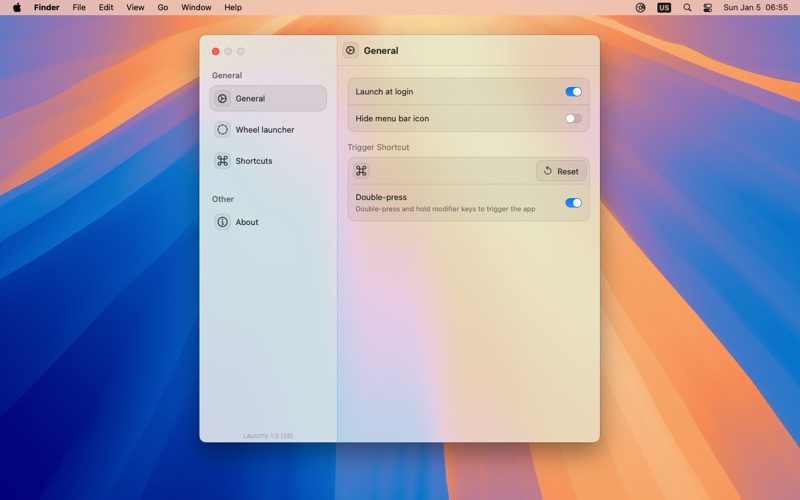
Fixes a crash that could happen for users on macOS 13 with Intel Macs. In the previous version, Launchy 1.3.1 made the app smoother and more reliable, especially around preferences, reopening, and the radial menu. - Added Liquid Glass styling for the radial menu on supported macOS versions. - You can now open Launchy preferences by launching the app again when Launchy is already running and the menu bar icon is hidden. - Added a setting to disable radial menu selection animations. - Fixed preferences toolbar and header buttons that could become unclickable. - Fixed app settings so selecting an app now opens its settings window, making Advanced settings accessible again. - Improved preferences layout and tab switching stability. As always, feel free to reach out at https://tinyurl.com/launchy-app for live support!
From the developer's App Store release notes.
Alternatives to Launchy
Other productivity apps for Mac, by App Store chart ranking.




Details
- Developer
- Ivan Sapozhnik ↗
- Category
- Productivity
