Mac utilities and customization Menu bar and notch app for Mac
Menubar Calendar
by Ruchira Ramesh
- Price
- Paid (¥600 in the Japanese App Store)
- Platforms
- Mac
- Requires
- macOS 10.11+
- Updated
- 16 Jun 2022


Overview
From the developer's App Store description:
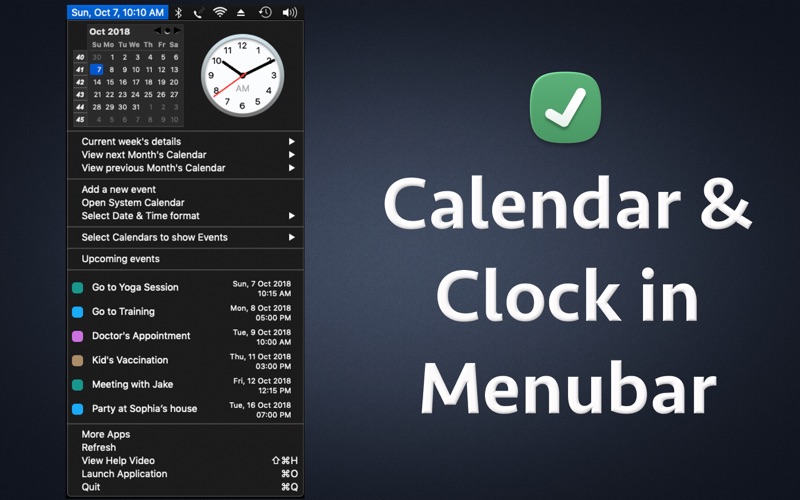
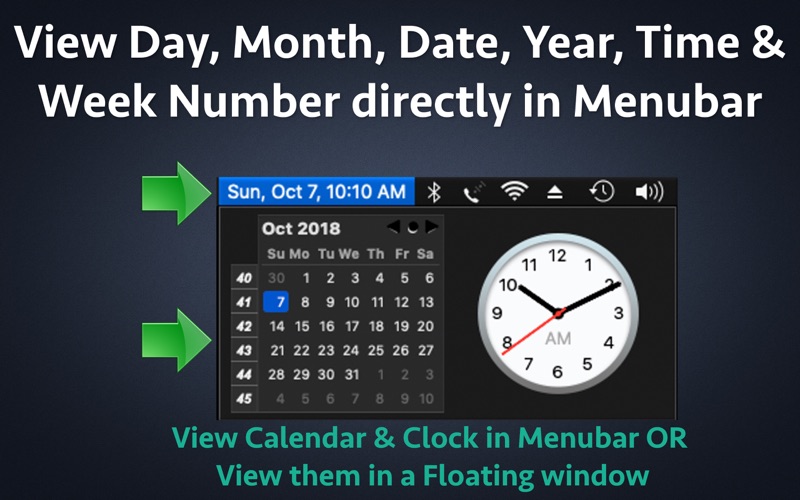
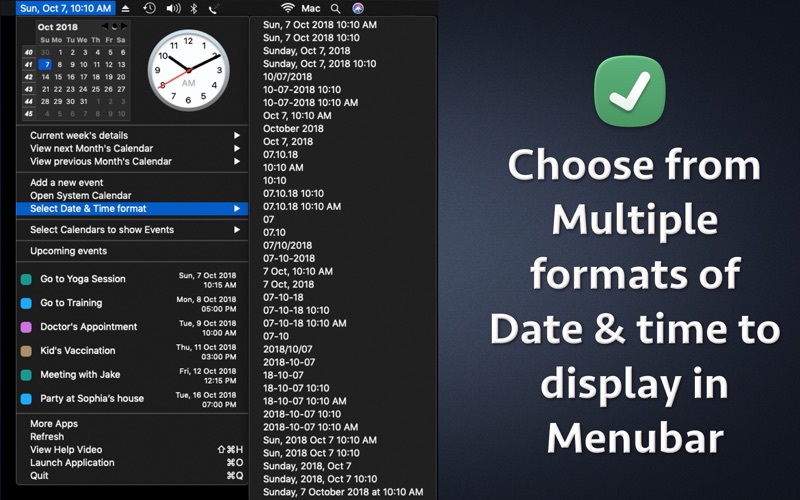
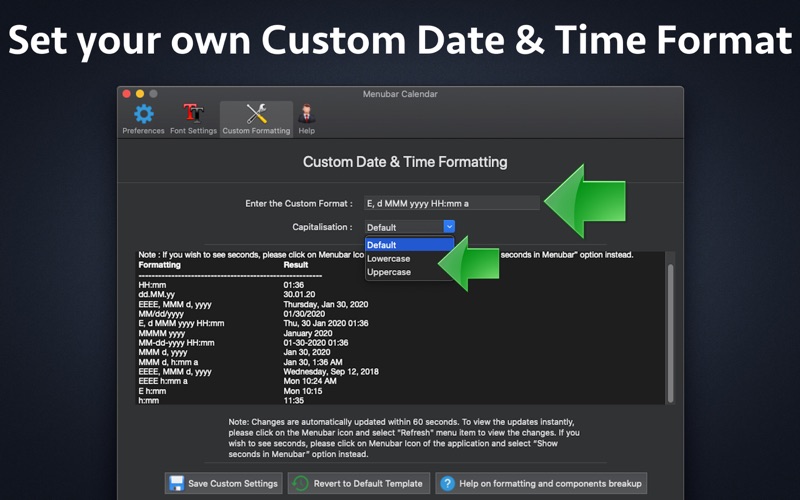
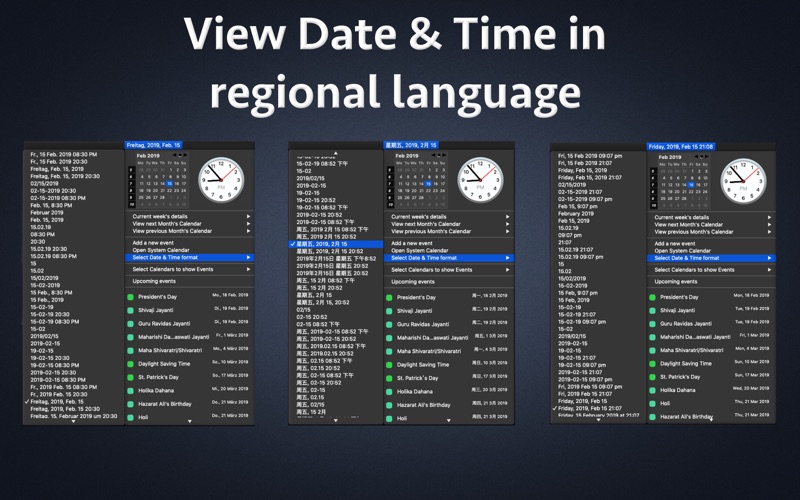
The application adds an icon in the Menubar which displays the day, date, time and month. When you click on the Menubar icon, it shows the Calendar, analog clock, week numbers & upcoming Calendar events. Menubar is present at the top of the screen where you see time. Since the information is directly displayed in the Menubar, you will be able to know today's date, time, month & day just by looking at the menubar.
Menubar Calendar is a menu bar and notch app by Ruchira Ramesh for Mac. It needs macOS 10.11 or later.
Heads up: Menubar Calendar has not had an App Store update since 16 Jun 2022. Apps that go this long without updates may not work well on the latest macOS or iOS.
Price and purchases
Menubar Calendar is a paid app: ¥600 in the Japanese App Store. US pricing may differ.
Price from the App Store, checked 12 Nov 2026. Prices and purchases change; check the App Store before you buy.
Facts
- Price
- Paid (¥600 in the Japanese App Store)
- Requires
- MacOS 10.11 or later
- Version
- 27.5
- Last updated
- 16 Jun 2022
- Size
- 26 MB
- Age rating
- 4+
- First released
- 18 Nov 2017
- App Store category
- Productivity
- Also listed in
- 仕事効率化, ユーティリティ
From the App Store listing, checked .
What's new in version 27.5
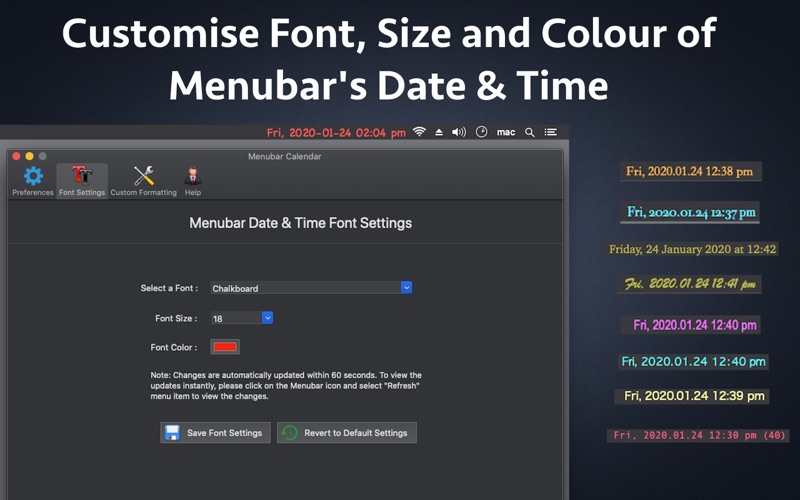
- Updated the application for M1 Macs. Now the application will run natively on both an intel as well as M1 Macs. - Added the option to show Calendar and Clock in a Floating window. To enable this option, please go to the Menubar of the app -> Select the option "Show Floating Calendar & Clock". In case of any issue or questions, please write to us on support@runisoft.com. We will be happy to assist.
From the developer's App Store release notes.
Alternatives to Menubar Calendar
Other menu bar and notch apps for Mac, by App Store chart ranking.
 NotchBoxFree, same category, 21 MB smaller
 Menu Bar Controller for SonosFree, same category, 12 MB smaller
 Say No to NotchFree, same category, 18 MB smaller
 boring notch for DesktopFree, same category, 21 MB smaller
 Hidden BarFree, same category, 19 MB smaller
 Nightscout Menu BarFree, same category, 26 MB smaller
Details
- Developer
- Ruchira Ramesh ↗
- Category
- Menu bar and notch, Calendar
- Website
- ios.runisoft.com