

- Price
- Free
- Platforms
- Mac
- Requires
- macOS 10.14+
- Updated
- 23 Oct 2026





Overview
From the developer's App Store description:
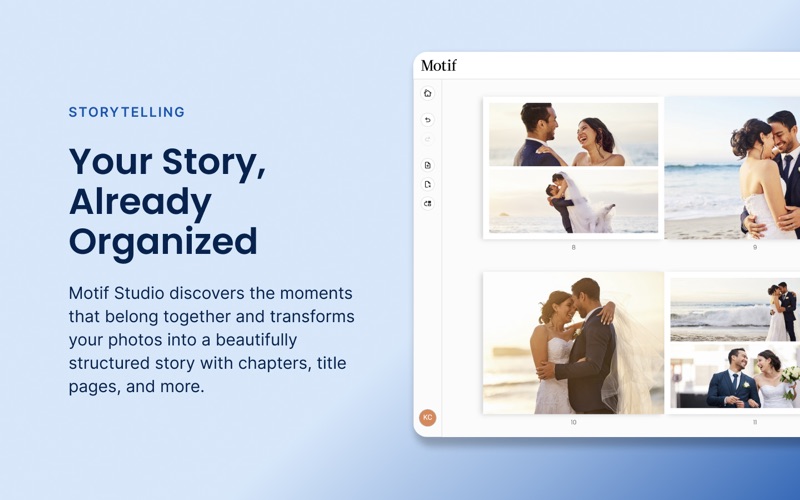
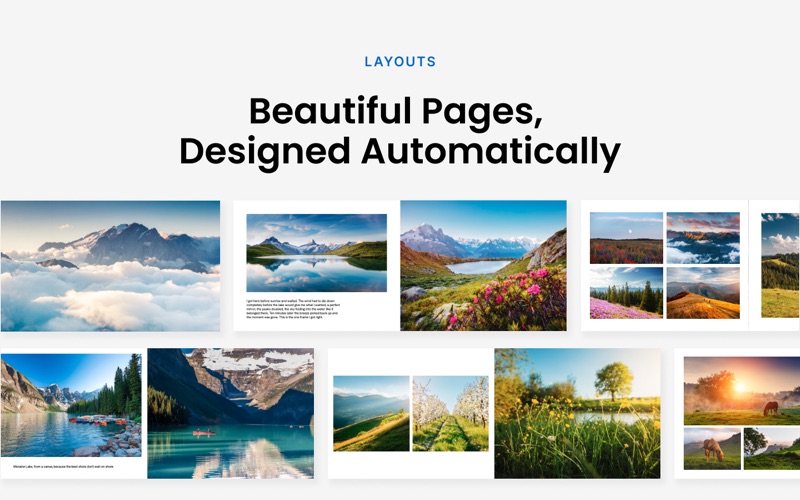
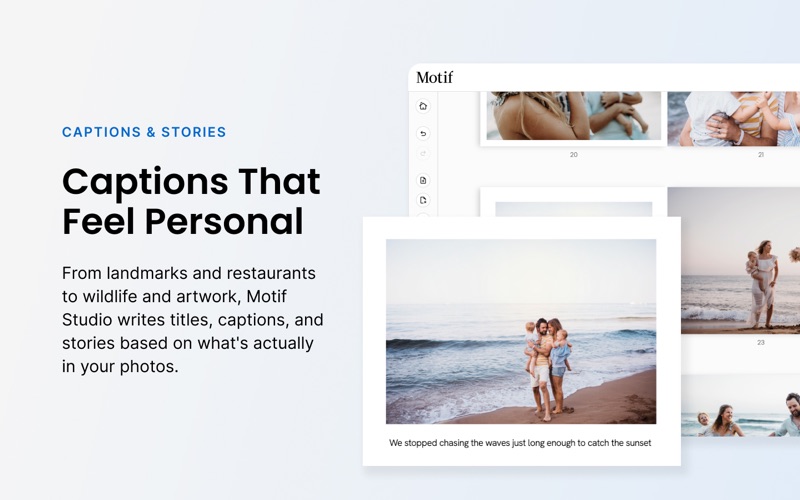
Turn your photos into beautifully designed photo books, cards, calendars, and memo books — start today, ready to print in minutes.
Motif is a photo editing app by Mimeo for Mac. It needs macOS 10.14 or later.
Price and purchases
Motif is free to download from the App Store.
Price from the App Store, checked 12 Nov 2026. Prices and purchases change; check the App Store before you buy.
Facts
- Price
- Free
- Requires
- MacOS 10.14 or later
- Version
- 4.7.0
- Last updated
- 23 Oct 2026
- Size
- 187 MB
- Age rating
- 4+
- First released
- 9 Nov 2018
- App Store category
- Photo & Video
From the App Store listing, checked .
What's new in version 4.7.0
What's New in Motif Studio 4.7.0 This release brings one shared cart across your projects, passwordless sign-in, bigger books, and faster, more familiar photo tools throughout. One Cart, Every Project Shopping across several projects is now a single trip to checkout. Gather multiple projects into one shared cart and check out together. It's far more convenient, and combining your orders saves you 30% on shipping. Sign In with a Passkey No more typing passwords. Both Apple and Google passkeys now work in the app, so you can sign in securely with Touch ID or your device passcode. Bigger Photo Books Square hardcover books can now hold up to 120 pages, so the long trips, the big years, and the stories you didn't want to cut short all fit in one book. Replace and Textify, Right Where You Expect Them Two favourite photo tools are back and easy to reach. Replace swaps a photo without disturbing your layout, and Textify turns a photo frame into a text box in one click. Add Text is smarter too: the wording it suggests now fits neatly inside its box. Find Your People Faster …
From the developer's App Store release notes.
Alternatives to Motif
Other photo editing apps for Mac, by App Store chart ranking.


Details
- Developer
- Mimeo ↗
- Category
- Photo editing
- Website
- motifphotos.com