Productivity and work Productivity app for Mac
Noto
by Bruno Philipe Resende Silva
- Price
- Free
- Platforms
- Mac
- Requires
- macOS 10.12+
- Updated
- 14 Jan 2018
Overview
From the developer's App Store description:
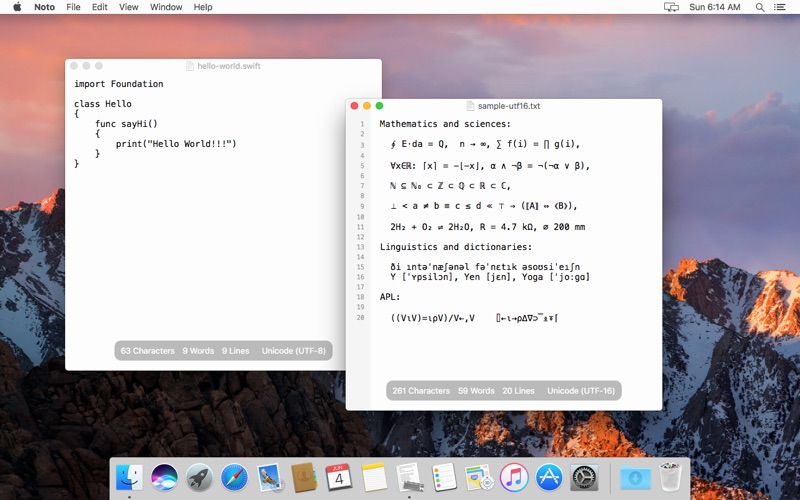
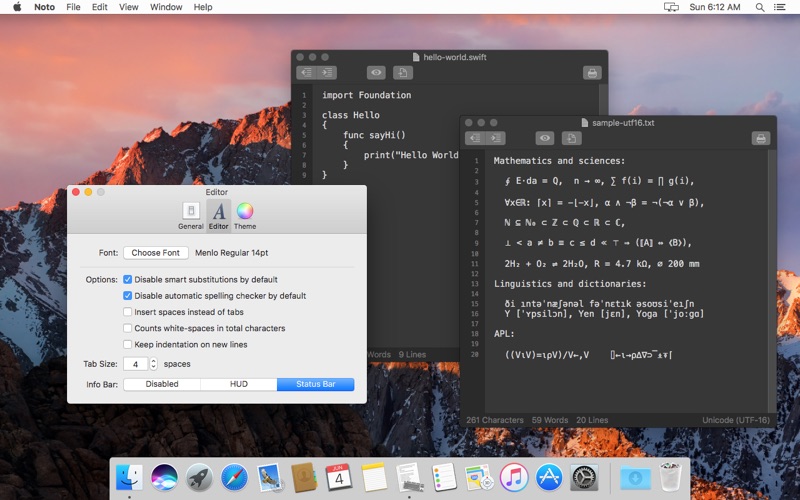
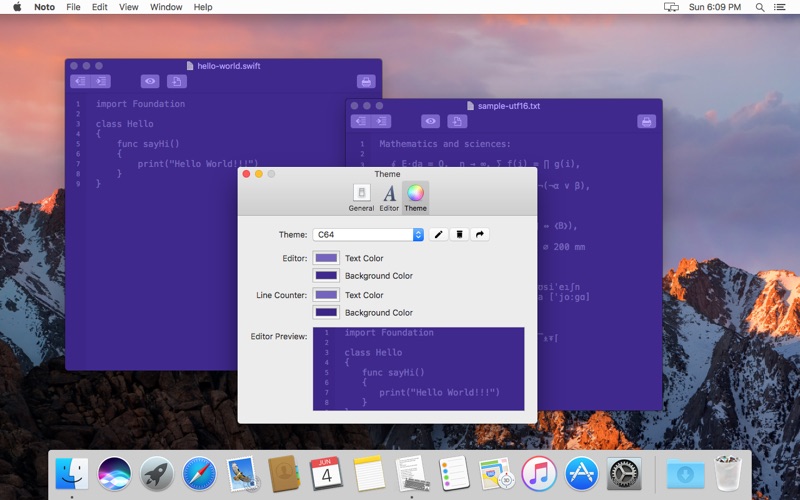
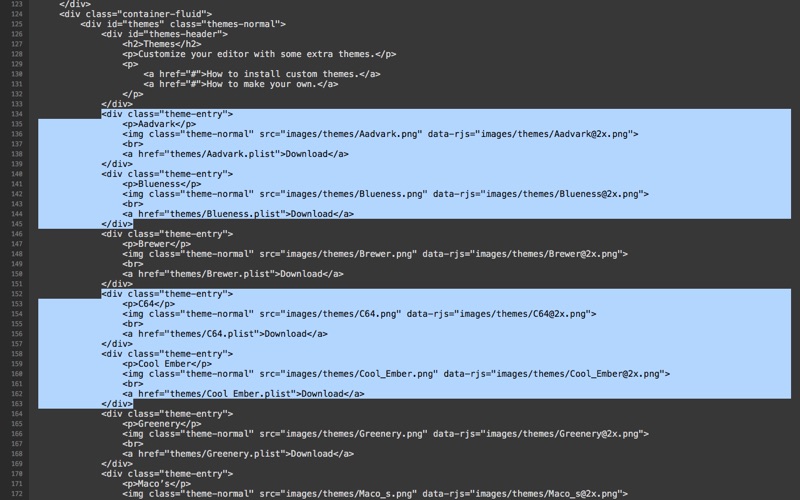
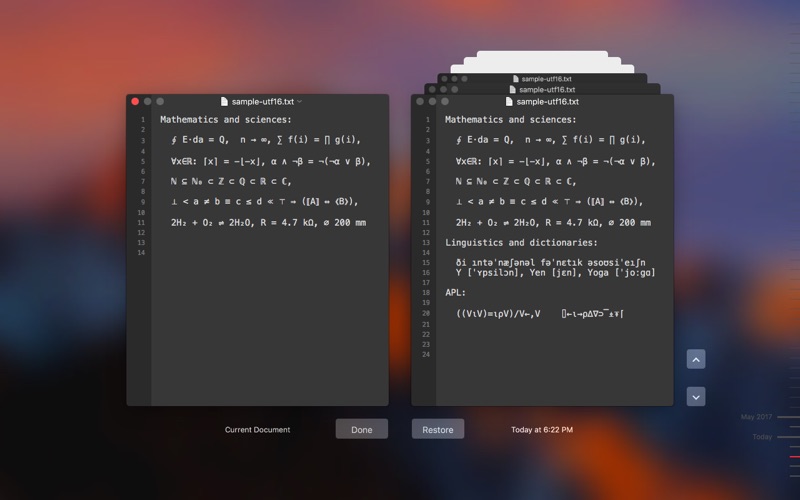
Noto is a simple, pretty, and straightforward plain text editor for macOS. With few but focused features, Noto is the ideal tool to maintain short notes, lists, and source code files without clutter. Customize the appearance of the editor with your preferred colors; download themes, or create and share your own.
Noto is a productivity app by Bruno Philipe Resende Silva for Mac. It needs macOS 10.12 or later.
Heads up: Noto has not had an App Store update since 14 Jan 2018. Apps that go this long without updates may not work well on the latest macOS or iOS.
Price and purchases
Noto is free to download from the App Store.
Price from the App Store, checked 12 Nov 2026. Prices and purchases change; check the App Store before you buy.
Facts
- Price
- Free
- Requires
- MacOS 10.12 or later
- Version
- 1.2
- Last updated
- 14 Jan 2018
- Size
- 6 MB
- Age rating
- 4+
- First released
- 5 Jun 2017
- App Store category
- Productivity
- Also listed in
- Utilities
From the App Store listing, checked .
What's new in version 1.2
Updated invisibles rendering. Now uses more intuitive invisible character representations. Adds new help book. Plenty of performance improvements (and more under work to be released in the next version).
From the developer's App Store release notes.
Alternatives to Noto
Other productivity apps for Mac, by App Store chart ranking.




Details
- Developer
- Bruno Philipe Resende Silva ↗
- Category
- Productivity