Creative Audio and voice recording app for Mac
Pro Audio Converter
by Mark-V Apps
- Price
- $14.99
- Platforms
- Mac
- Requires
- macOS 11.0+
- Updated
- 13 Jun 2026



Overview
From the developer's App Store description:
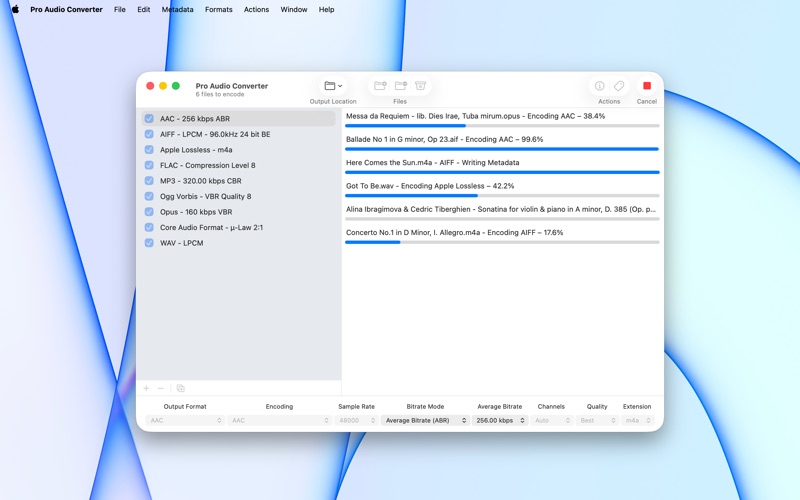
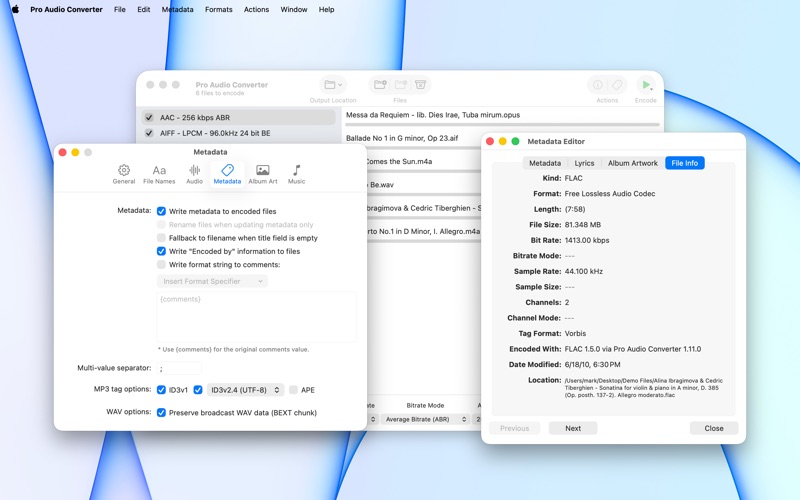
Pro Audio Converter is a fast, batch audio converter for macOS. Drop in dozens of files, pick one or more output formats, and let it run multi-threaded across every CPU core.
Pro Audio Converter is an audio and voice recording app by Mark-V Apps for Mac. It needs macOS 11.0 or later.
Price and purchases
Pro Audio Converter costs $14.99 on the App Store.
Price from the App Store, checked 12 Nov 2026. Prices and purchases change; check the App Store before you buy.
Facts
- Price
- $14.99
- Requires
- MacOS 11.0 or later
- Version
- 1.11.1
- Last updated
- 13 Jun 2026
- Size
- 11 MB
- Age rating
- 4+
- First released
- 8 Sept 2011
- App Store category
- Music
- Also listed in
- Utilities
From the App Store listing, checked .
What's new in version 1.11.1
- Now recognizes recovered Sound Designer II files that arrive with a ".sd2f" extension. - WAV files now use a standard header that older hardware samplers can read. - Damaged or partially downloaded files now stop with a clear error instead of quietly producing a near-empty file. - A failed save no longer deletes the existing file at the destination without putting a new one in its place. - When a save replaces an existing file, the old version now reliably goes to the Trash, even when its name contains spaces. - Interrupted conversions no longer leave large temporary files behind, and any leftovers from an earlier crash are cleared at the next launch. - Fix an issue where certain files could fail to encode to MP3 on older versions of macOS.
From the developer's App Store release notes.
Alternatives to Pro Audio Converter
Other audio and voice recording apps for Mac, by App Store chart ranking.



Details
- Developer
- Mark-V Apps ↗
- Category
- Audio and voice recording