Developer Coding app for iPhone
Python IDE & Jupyter
by Rational Matter
- Price
- Free
- Platforms
- iPhone
- Requires
- iOS 17.0+
- Updated
- 27 Oct 2026



Overview
From the developer's App Store description:
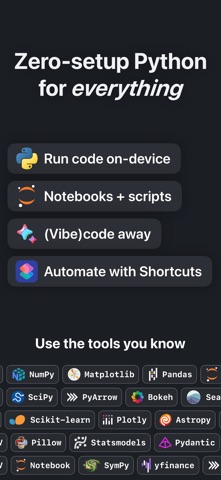
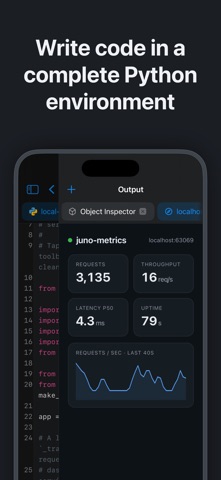
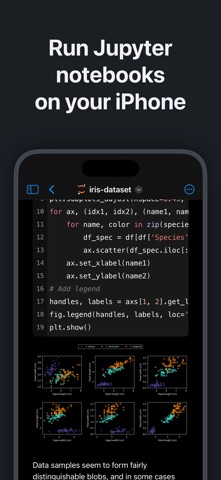
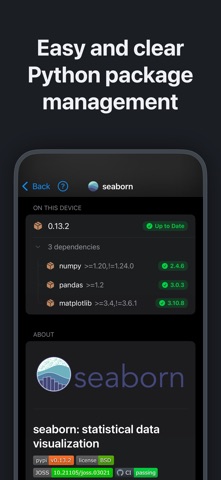
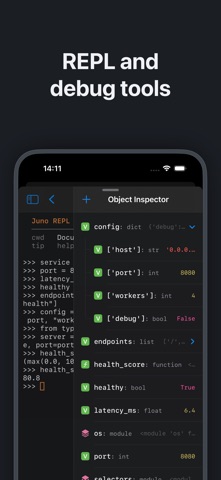
Zero-setup Python IDE that runs your code offline, an AI coding assistant, and a developer toolbox — in a first-class citizen app for iPad and iPhone. Juno is designed to cover all your Python coding needs, supporting both Python scripts (.py) and Jupyter notebooks (.ipynb) — a document format focused on applying Python to data analysis and computational science.
Python IDE & Jupyter is a coding app by Rational Matter for iPhone. It needs iOS 17.0 or later.
Price and purchases
Python IDE & Jupyter is free to download from the App Store.
Price from the App Store, checked 12 Nov 2026. Prices and purchases change; check the App Store before you buy.
Facts
- Price
- Free
- Requires
- IOS 17.0 or later
- Version
- 4.4.1
- Last updated
- 27 Oct 2026
- Size
- 1.2 GB
- Age rating
- 4+
- First released
- 26 Sept 2019
- App Store category
- Developer Tools
- Also listed in
- Productivity
- Rating count
- 70 ratings on the App Store
From the App Store listing, checked .
What's new in version 4.4.1
What's New in Juno 4.4: AI & ML ON-DEVICE – Run language models, generate images and train neural networks on your iPhone or iPad, from your own Python code: llama-cpp-python, MLX, mlx-lm and Keras now ship with Juno. – Five ready-to-run projects in Home's new AI & ML section: chat with a local LLM, Stable Diffusion image generation, Keras training, RAG over your own notes, and LoRA fine-tuning. Models download on the first run and work offline after that. MLX, KERAS AND STABLE DIFFUSION – Apple's MLX array framework and mlx-lm are built in: run language models and fine-tune them with LoRA adapters, right on your device. – Build and train neural networks with Keras on a fast MLX backend — the same Keras code you would write on a laptop. – Generate images from a text description with Stable Diffusion running on MLX; a compact model downloads first, and larger ones are one line away. RUN LLMS LOCALLY – Chat with a GGUF language model through llama-cpp-python, the Python bindings for llama.cpp, with replies streamed word by word. Start with the Qwen3 download, or drop in a GGUF file of your own. …
From the developer's App Store release notes.
Alternatives to Python IDE & Jupyter
Other coding apps for iPhone, by App Store chart ranking.


Details
- Developer
- Rational Matter ↗
- Category
- Coding
- Website
- juno.sh