

Creative Graphic design app for Mac
ScreenToLayers
by NEEDEDAPPS PTE. LTD.
- Price
- Free
- Platforms
- Mac
- Requires
- macOS 26.0+
- Updated
- 7 Jun 2026
Overview
From the developer's App Store description:
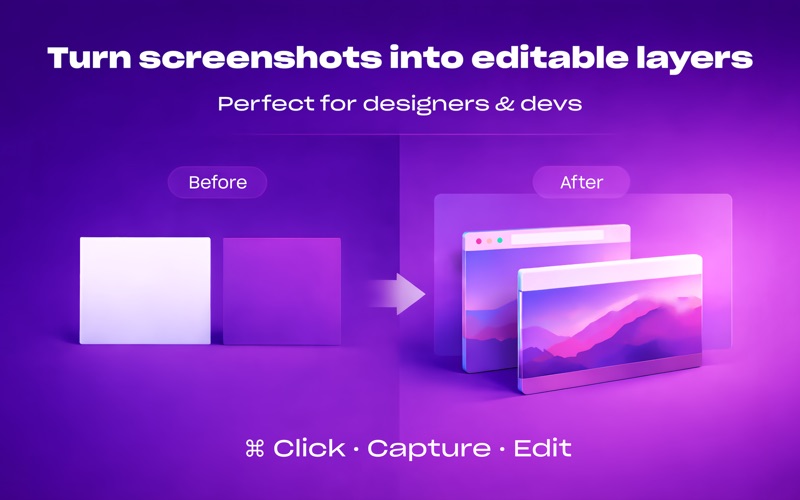
ScreenToLayers transforms the way you capture screenshots by creating fully editable Photoshop documents with each screen element preserved as a separate layer. Whether you’re designing, developing, or documenting, ScreenToLayers makes it easy to capture everything on your screen in one click—and allows for endless adjustments and refinements later in Photoshop, Pixelmator, Acorn, or any image editor that can open PSD files.
ScreenToLayers is a graphic design app by NEEDEDAPPS PTE. LTD. for Mac. It needs macOS 26.0 or later.
Price and purchases
ScreenToLayers is free to download from the App Store.
Price from the App Store, checked 12 Nov 2026. Prices and purchases change; check the App Store before you buy.
Facts
- Price
- Free
- Requires
- MacOS 26.0 or later
- Version
- 2.1.2
- Last updated
- 7 Jun 2026
- Size
- 5 MB
- Age rating
- 4+
- First released
- 21 Sept 2016
- App Store category
- Graphics & Design
- Also listed in
- Developer Tools
From the App Store listing, checked .
What's new in version 2.1.2
- UI Improvements: Updated the menu and settings interface with refreshed controls, icons, and macOS 26 styling. - Capture Improvements: Improved screenshot export naming and capture handling for better reliability.
From the developer's App Store release notes.
Alternatives to ScreenToLayers
Other graphic design apps for Mac, by App Store chart ranking.


Details
- Developer
- NEEDEDAPPS PTE. LTD. ↗
- Category
- Graphic design
- Website
- neededapps.com
