
Creative Photo editing app for Mac
simple@cube
by Noriyuki Tamaki
- Price
- Free
- Platforms
- Mac
- Requires
- macOS 12.0+
- Updated
- 1 Sept 2022





Overview
From the developer's App Store description:
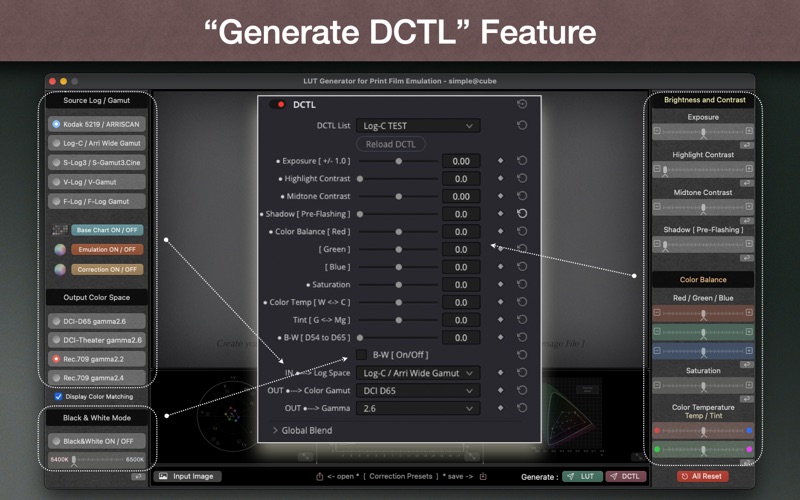
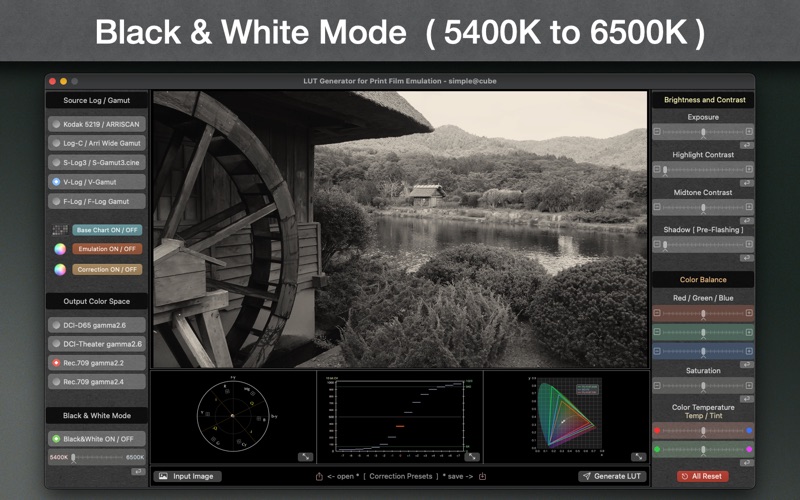
It is easy to use and possible to create print film emulation LUTs. You can adjust characteristic curves and color balance with monitoring your still image(tif, png, jpeg) or built-in camera Log-Format charts. Each of charts has 14 stops tone patches and ten basic color patches.
simple@cube is a photo editing app by Noriyuki Tamaki for Mac. It needs macOS 12.0 or later.
Heads up: simple@cube has not had an App Store update since 1 Sept 2022. Apps that go this long without updates may not work well on the latest macOS or iOS.
Price and purchases
simple@cube is free to download from the App Store.
Price from the App Store, checked 12 Nov 2026. Prices and purchases change; check the App Store before you buy.
Facts
- Price
- Free
- Requires
- MacOS 12.0 or later
- Version
- 1.2
- Last updated
- 1 Sept 2022
- Size
- 47 MB
- Age rating
- 4+
- First released
- 15 Mar 2022
- App Store category
- Photo & Video
- Also listed in
- 写真/ビデオ, ユーティリティ
From the App Store listing, checked .
What's new in version 1.2
[ Added new features ] - Display Color Matching - Generate DCTL file (.dctl : DaVinci Color Transform Language)
From the developer's App Store release notes.
Alternatives to simple@cube
Other photo editing apps for Mac, by App Store chart ranking.


Details
- Developer
- Noriyuki Tamaki ↗
- Category
- Photo editing
- Website
- pfelut.com