

Productivity and work Productivity app for Mac
Snip
by Tencent Technology (Shenzhen) Company Limited
- Price
- Free
- Platforms
- Mac
- Requires
- macOS 10.6.8+
- Updated
- 30 Nov 2012
Overview
From the developer's App Store description:
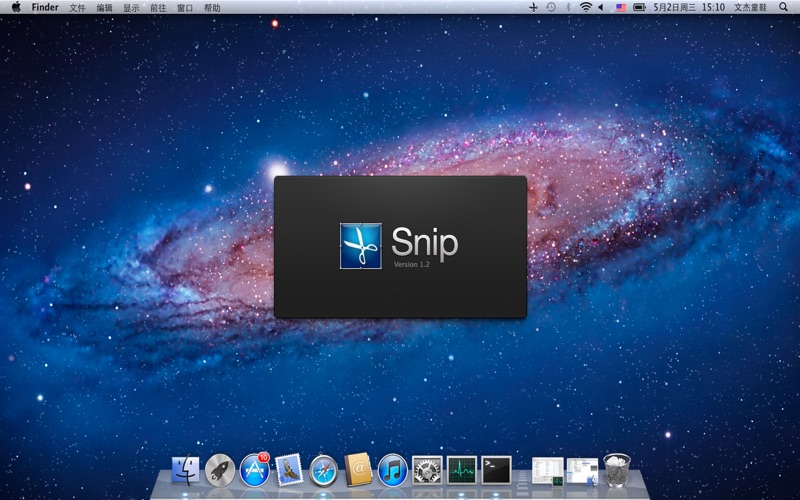
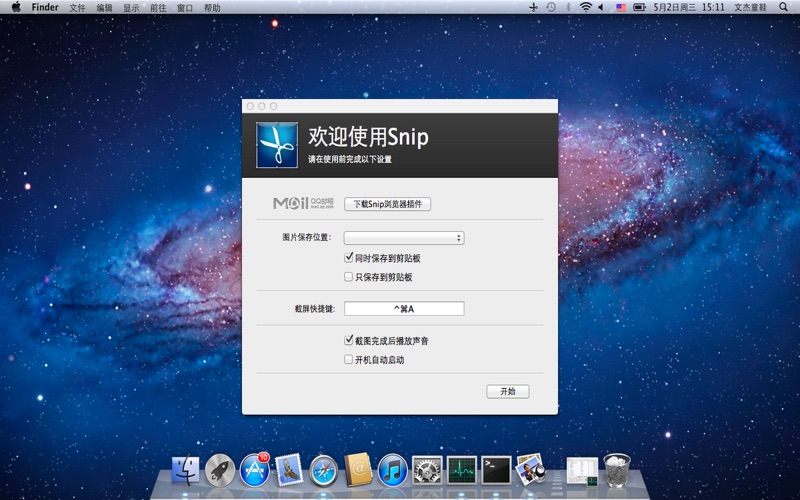
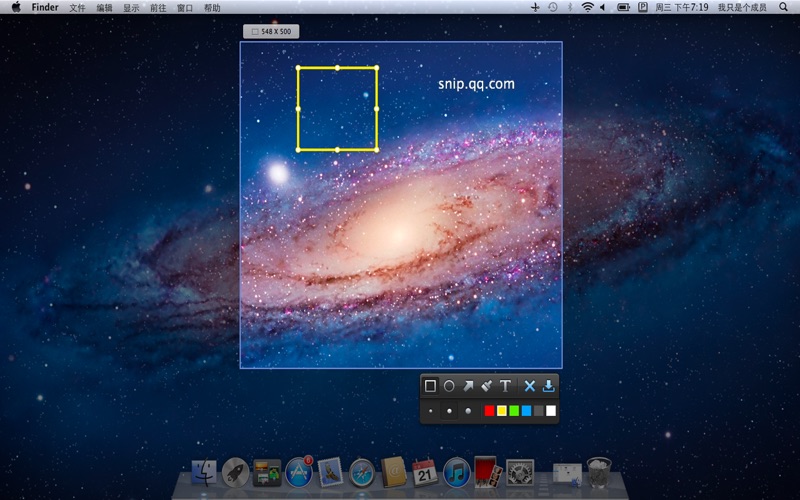
Snip is a screen-capture application that can capture the active window or custom areas. Drag to zoom in/out the screen shot; add labels, texts and handwriting contents of your choice and save it to your device or the clipboard.
Snip is a productivity app by Tencent Technology (Shenzhen) Company Limited for Mac. It needs macOS 10.6.8 or later.
Heads up: Snip has not had an App Store update since 30 Nov 2012. Apps that go this long without updates may not work well on the latest macOS or iOS.
Price and purchases
Snip is free to download from the App Store.
Price from the App Store, checked 12 Nov 2026. Prices and purchases change; check the App Store before you buy.
Facts
- Price
- Free
- Requires
- MacOS 10.6.8 or later
- Version
- 2.0
- Last updated
- 30 Nov 2012
- Size
- 2 MB
- Age rating
- 4+
- First released
- 17 Apr 2012
- App Store category
- Productivity
From the App Store listing, checked .
What's new in version 2.0
1. Introduced native architechture: smaller and faster 2. Support Retina display 3. Share captured screenshots via QQ Mail 4. Improved image processing features
From the developer's App Store release notes.
Alternatives to Snip
Other productivity apps for Mac, by App Store chart ranking.




Details
- Developer
- Tencent Technology (Shenzhen) Company Limited ↗
- Category
- Productivity
