

Creative Photo editing app for Mac
Sync for iPhoto or Photos
by Oktoid
- Price
- Paid (A$4.99 in the Australian App Store)
- Platforms
- Mac
- Requires
- macOS 11.0+
- Updated
- 13 Jul 2026
Overview
From the developer's App Store description:
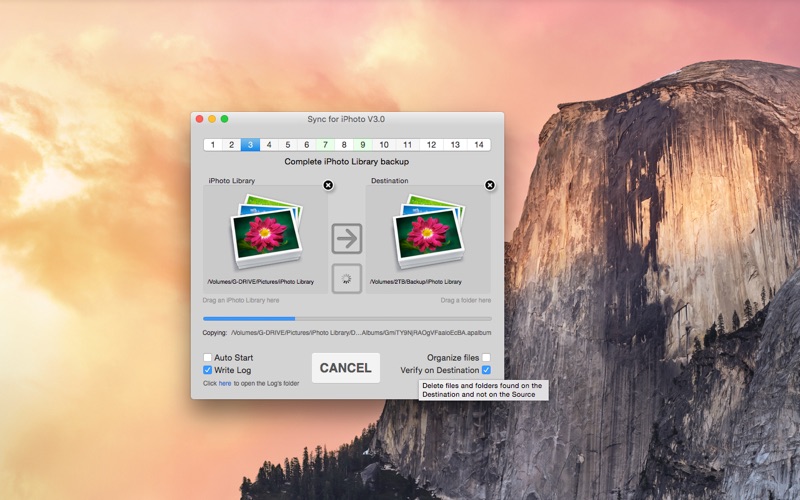
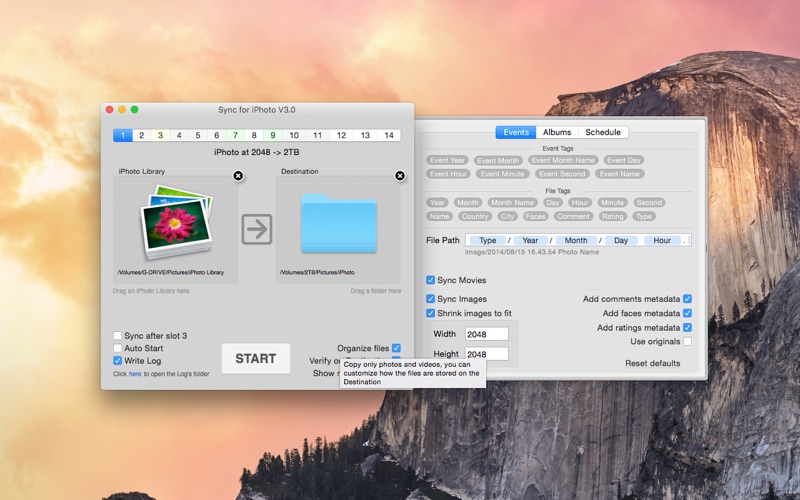
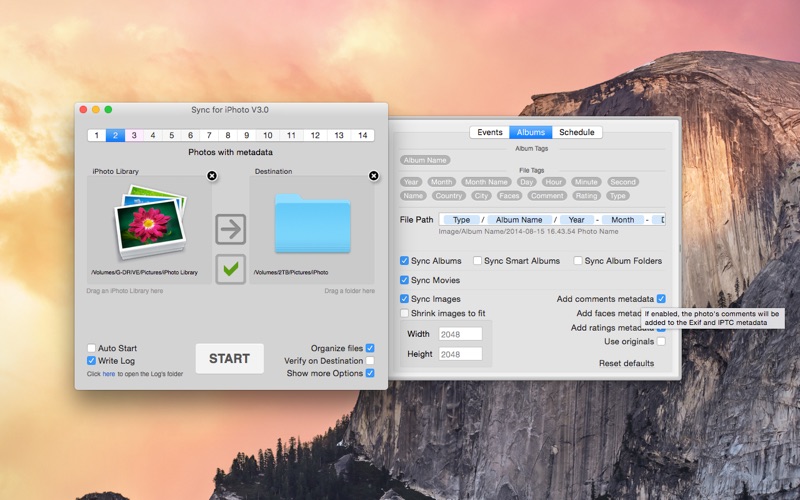
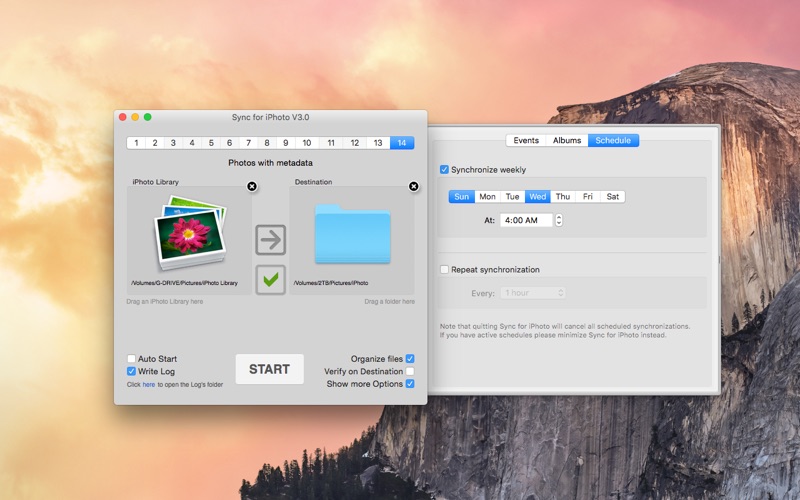
Your entire photo library, copied to real folders you can use anywhere. Sync for iPhoto copies the photos and videos from your Photos library into plain folders — on an external drive, a NAS, a USB stick or any folder you choose. No database, no special software on the other side: just your photos, neatly organized, readable from Windows, TVs, media players and any backup tool.
Sync for iPhoto or Photos is a photo editing app by Oktoid for Mac. It needs macOS 11.0 or later.
Price and purchases
Sync for iPhoto or Photos is a paid app: A$4.99 in the Australian App Store. US pricing may differ.
Price from the App Store, checked 12 Nov 2026. Prices and purchases change; check the App Store before you buy.
Facts
- Price
- Paid (A$4.99 in the Australian App Store)
- Requires
- MacOS 11.0 or later
- Version
- 4.0
- Last updated
- 13 Jul 2026
- Size
- 2 MB
- Age rating
- 4+
- First released
- 13 Jul 2014
- App Store category
- Photo & Video
- Also listed in
- Utilities
From the App Store listing, checked .
What's new in version 4.0
Version 4.0 is a complete modernization of Sync for iPhoto: ▪ Works with the Photos app on modern macOS, using Apple's official photo library technology. ▪ Connect your library with one click using the new "Use Default Library" button — the app asks for permission only when you click, never at launch. ▪ New option: Convert photos to JPEG, for destinations that can't display HEIC photos. ▪ Redesigned Options panel with a cleaner, resizable layout. ▪ iPhoto libraries and Photos libraries from older Macs can still be dragged in and are read directly, as before. ▪ Faster, more reliable incremental synchronization. ▪ Now requires macOS 11 or later.
From the developer's App Store release notes.
Alternatives to Sync for iPhoto or Photos
Other photo editing apps for Mac, by App Store chart ranking.


Details
- Developer
- Oktoid ↗
- Category
- Photo editing, File management
- Website
- oktoid.org
