

Developer Coding and developer app for Mac
Editorio
by Lovre Crncevic
- Price
- Free
- Platforms
- Mac
- Requires
- macOS 14.0+
- Updated
- 30 Oct 2026




Overview
From the developer's App Store description:
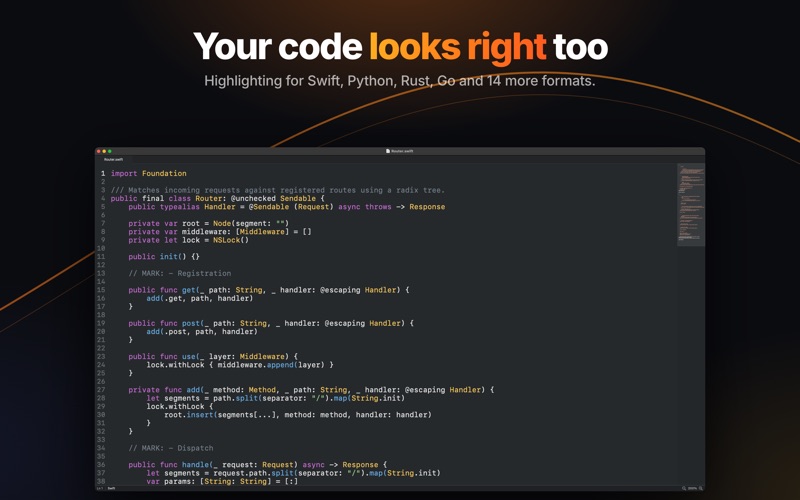
Editorio is a Markdown editor for macOS, built with AppKit. There is no web view or JavaScript runtime.
Editorio is a coding and developer app by Lovre Crncevic for Mac. It needs macOS 14.0 or later.
Price and purchases
Editorio is free to download from the App Store.
Price from the App Store, checked 12 Nov 2026. Prices and purchases change; check the App Store before you buy.
Facts
- Price
- Free
- Requires
- MacOS 14.0 or later
- Version
- 6.4
- Last updated
- 30 Oct 2026
- Size
- 4 MB
- Age rating
- 4+
- First released
- 25 Feb 2026
- App Store category
- Developer Tools
- Also listed in
- Productivity
From the App Store listing, checked .
What's new in version 6.4
This update fixes scrolling in large files (over about 100 KB) and several smaller problems. Large files in Source: - After you zoom with ⌘+ or ⌘−, scrolling with the mouse wheel reaches the end of the document. Before, if you kept scrolling right after zooming, the wheel could stop at about three quarters of the document as if at the end. - Dragging the scroll bar lands where you release it, and scrolling up afterwards moves up. Before, the text could jump far down the document on the next scroll. - ⌘↓ and End show the last line of the document. Before, ⌘↓ could stop at about 90 to 95 percent. - When the minimap is hidden, large files have a scroll bar again. Before, they had none. - Right after a large file opens, the minimap shows where you are and responds to clicks and drags, also on the first click in a window that is in the background. Before, it could ignore them. Other fixes: - In the Preview of very large files, ⌘↓, ⌘↑, End, Home, Page Up, Page Down and the arrow keys move through the document. Before, they did nothing. …
From the developer's App Store release notes.
Alternatives to Editorio
Other coding and developer apps for Mac, by App Store chart ranking.


Details
- Developer
- Lovre Crncevic ↗
- Category
- Coding and developer
- Website
- editorio.crncevic.org