

Developer Coding and developer app for Mac
Iconology
by Liam Rosenfeld
- Price
- Free
- Platforms
- Mac
- Requires
- macOS 13.0+
- Updated
- 1 Feb 2023

Overview
From the developer's App Store description:
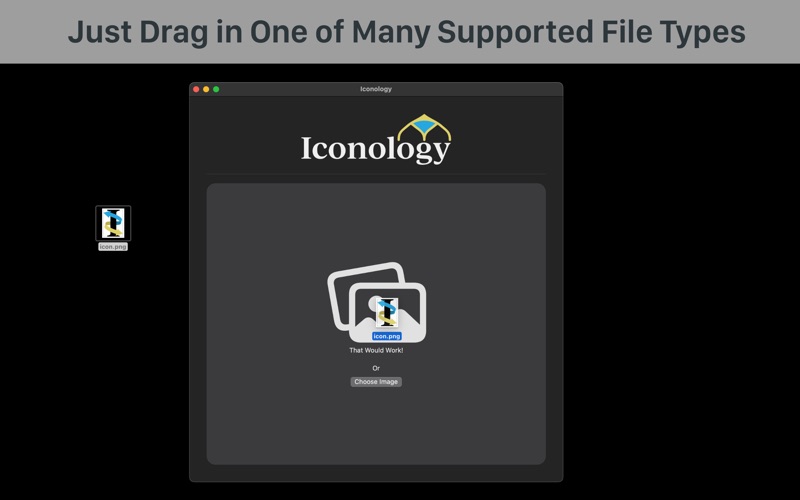
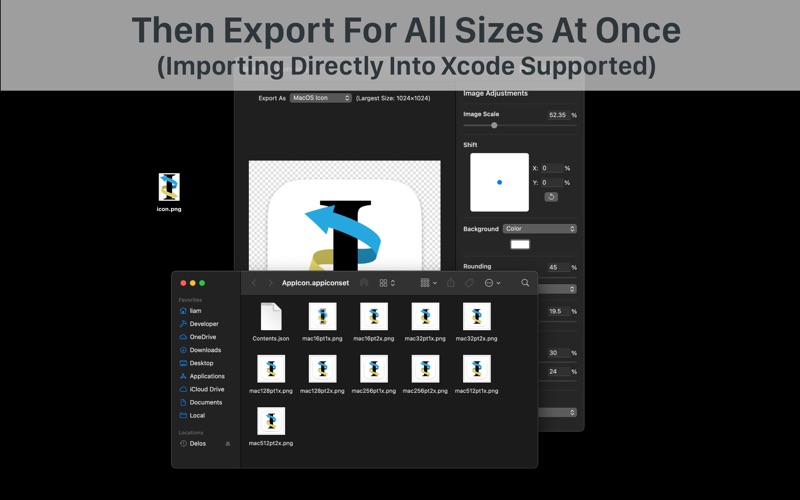
Easily import, modify, and export icons—all 100% free and open source.
Iconology is a coding and developer app by Liam Rosenfeld for Mac. It needs macOS 13.0 or later.
Heads up: Iconology has not had an App Store update since 1 Feb 2023. Apps that go this long without updates may not work well on the latest macOS or iOS.
Price and purchases
Iconology is free to download from the App Store.
Price from the App Store, checked 12 Nov 2026. Prices and purchases change; check the App Store before you buy.
Facts
- Price
- Free
- Requires
- MacOS 13.0 or later
- Version
- 2.0
- Last updated
- 1 Feb 2023
- Size
- 1 MB
- Age rating
- 4+
- First released
- 22 Mar 2020
- App Store category
- Developer Tools
- Also listed in
- Graphics & Design
From the App Store listing, checked .
What's new in version 2.0
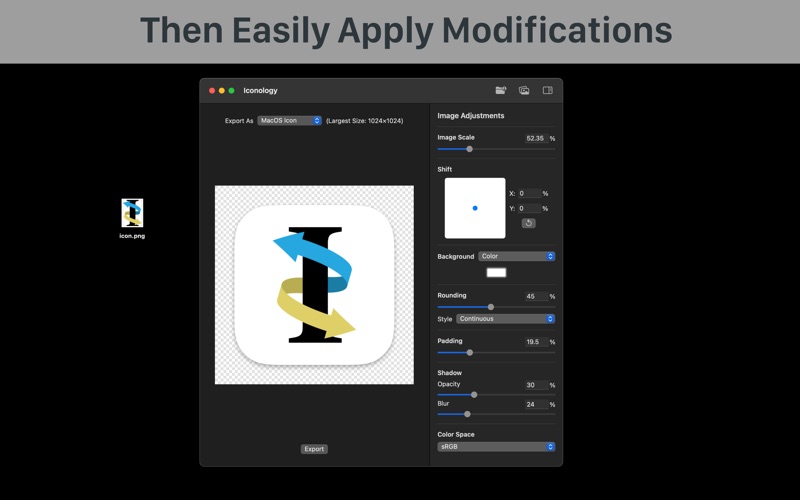
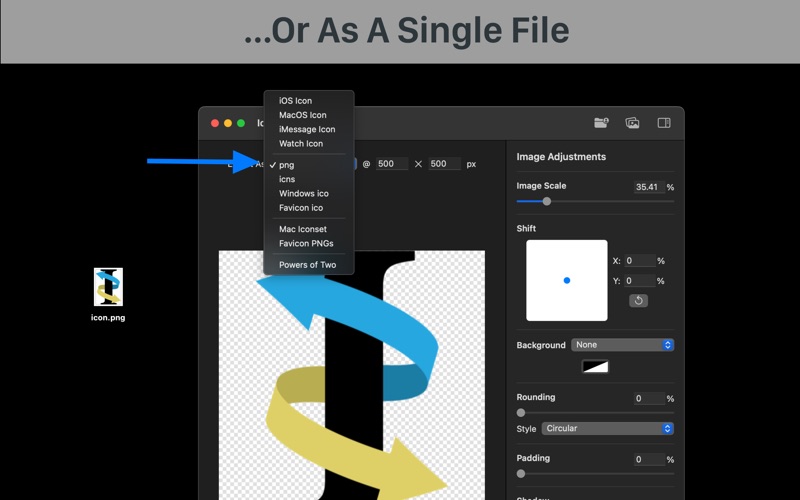
Major 2.0 Release! The interface has been rewritten and image editing has been vastly improved Every interface has been redesigned to match the current macOS design language and improve usability - Editor view rearranged to position items in a more natural order - Image adjustments reworked to fit more settings while feeling less cramped - Custom preset editing redesigned to match the new Big Sur style - Selecting a preset now automatically applies default adjustments (makes macOS generation even more convenient) - Drag a new image onto the editor to replace the current one - Support for multiple editor windows at once - Unified preset selector - Shift slider now matches the aspect ratio - Prefix is now set in the save panel - Improved accessibility - Now uses SwiftUI (for reactivity, resizing, and improved development speed) Image generation has new capabilities and improved performance - Continuous curvature (macOS style) and squircle rounding styles (these were quite a journey to implement... you can read about it on my blog) - Drop shadows - Gradient backgrounds - Selecting color spaces - PNG export size is now set manually instead of the original image size …
From the developer's App Store release notes.
Alternatives to Iconology
Other coding and developer apps for Mac, by App Store chart ranking.


Details
- Developer
- Liam Rosenfeld ↗
- Category
- Coding and developer
- Website
- liamrosenfeld.com