

Developer Coding and developer app for Mac
Textastic
by Alexander Blach
- Price
- $9.99
- Platforms
- Mac
- Requires
- macOS 15.0+
- Updated
- 31 Jan 2026


Overview
From the developer's App Store description:
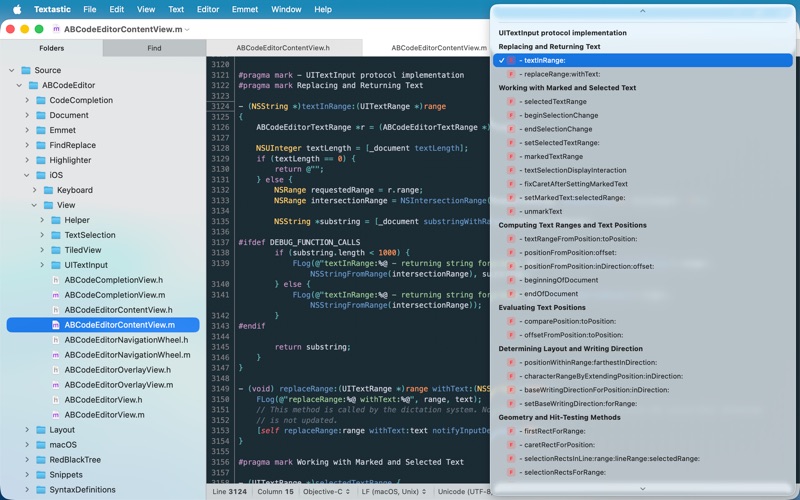
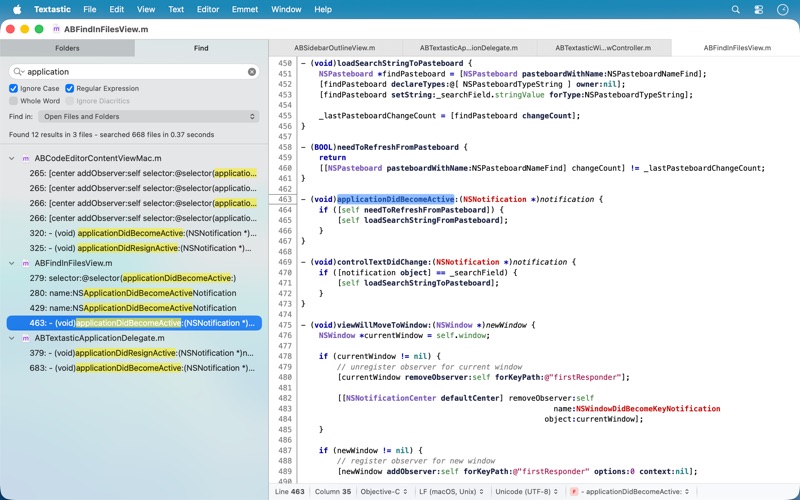
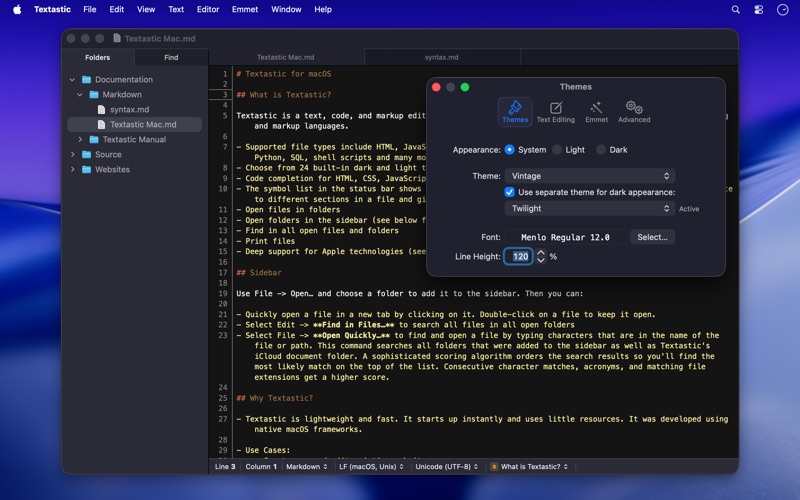
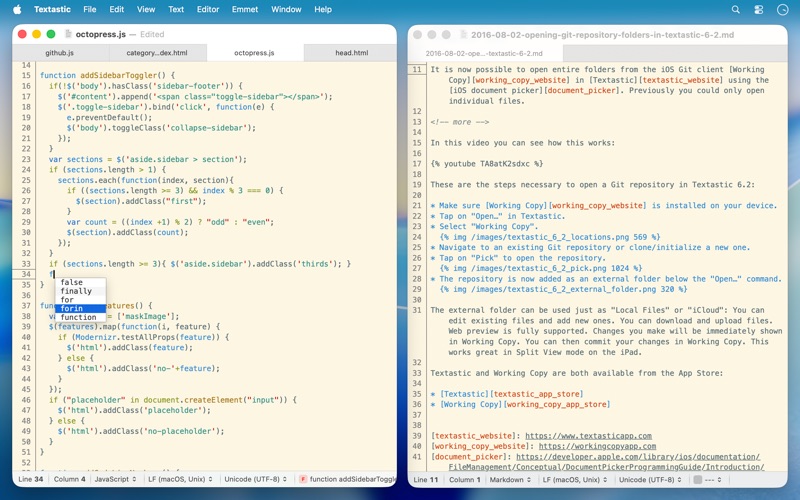
Textastic is a powerful and fast text, code, and markup editor.
Textastic is a coding and developer app by Alexander Blach for Mac. It needs macOS 15.0 or later.
Price and purchases
Textastic costs $9.99 on the App Store.
Price from the App Store, checked 12 Nov 2026. Prices and purchases change; check the App Store before you buy.
Facts
- Price
- $9.99
- Requires
- MacOS 15.0 or later
- Version
- 7.0
- Last updated
- 31 Jan 2026
- Size
- 3 MB
- Age rating
- 4+
- First released
- 22 Mar 2013
- App Store category
- Developer Tools
- Also listed in
- Productivity
From the App Store listing, checked .
What's new in version 7.0
Textastic 7.0 adds full support for macOS Tahoe 26 and the Liquid Glass design, with a refreshed user interface and an updated app icon. New: - macOS Tahoe: fully updated for compatibility with the latest version of macOS. - Added images to menu items on macOS 26. Fixed: - Updated the HTML5 template and removed outdated HTML 4.01 and XHTML templates. The HTML5 template now matches what Emmet inserts when typing "!" and pressing Tab. - Fixed an issue where closing a window with an edited, untitled file did not prompt the user to save the file. - Fixed an issue where printing sometimes produced an unwanted additional page due to a rounding error. - Improved file and folder name sort order in the sidebar to match Finder's behaviour and improve support for numbers in file and folder names. - Fixed an issue with the cursor and text selection in Dark Mode on macOS 26. - Resolved a bug where internal syntax definitions that were meant to be hidden could be selected if the syntax definition was not yet fully loaded (e.g., "Make Output", "Cargo Build Results", "PHP Source", "Swift Standard Library", etc.). …
From the developer's App Store release notes.
Alternatives to Textastic
Other coding and developer apps for Mac, by App Store chart ranking.


Details
- Developer
- Alexander Blach ↗
- Category
- Coding and developer
- Website
- textasticapp.com
