

Developer Remote desktop and Windows app for Mac
Parallels Client
by Parallels International GmbH
- Price
- Free
- Platforms
- Mac
- Requires
- macOS 14.0+
- Updated
- 30 Oct 2026
Overview
From the developer's App Store description:
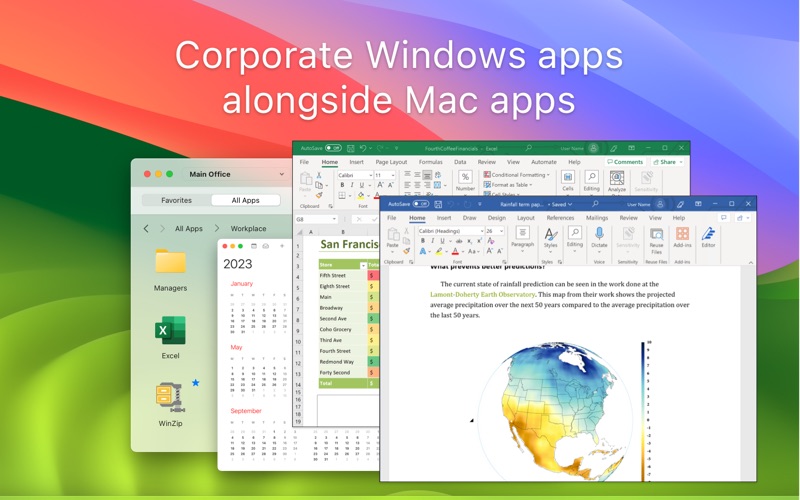
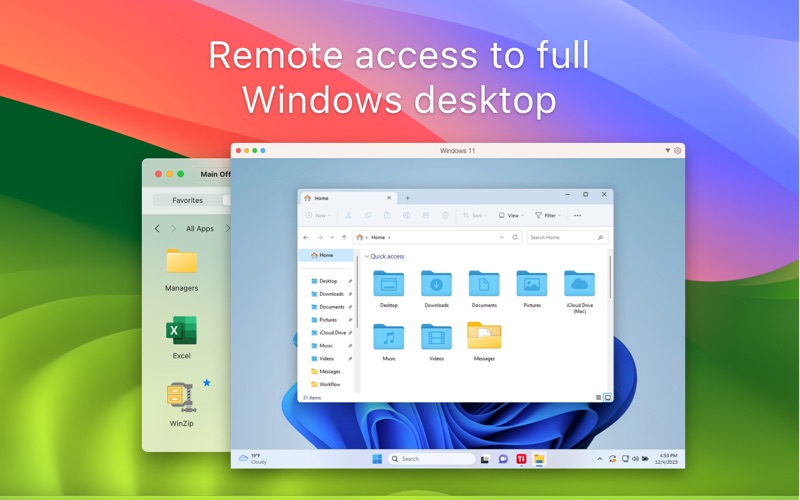
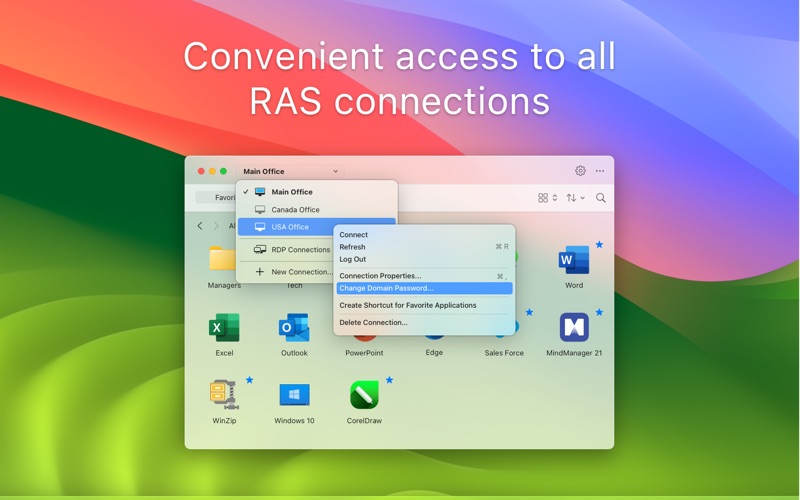
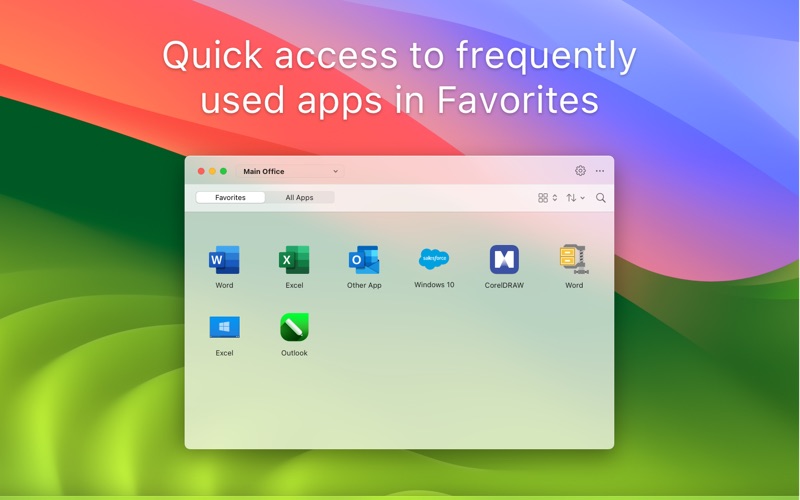
Parallels Client, when connected to Parallels RAS (Remote Application Server), provides secure access to business applications, virtual desktops, and data from your device. Using virtualized applications and desktops in Parallels Client is intuitive, fast, and reliable. Parallels Remote Application Server and Parallels Client allow you to.
Parallels Client is a remote desktop and windows app by Parallels International GmbH for Mac. It needs macOS 14.0 or later.
Price and purchases
Parallels Client is free to download from the App Store.
Price from the App Store, checked 12 Nov 2026. Prices and purchases change; check the App Store before you buy.
Facts
- Price
- Free
- Requires
- MacOS 14.0 or later
- Version
- 22.0.28153
- Last updated
- 30 Oct 2026
- Size
- 11 MB
- Age rating
- 4+
- First released
- 20 Feb 2013
- App Store category
- Business
- Also listed in
- Productivity
From the App Store listing, checked .
What's new in version 22.0.28153
Security Fix: Upgraded OpenSSL to version 3.5.9. New: Add support for macOS 27. New: Drop support for macOS 13. New: Add support for SAML as a Multi-Factor Authentication (MFA) provider. New: Support for time zone redirection for session hosts without the Remote Desktop Services (RDS) role, ensuring the remote session shows the user's local time zone. New: Add support for HTML format during drag-and-drop operations, enabling users to move formatted content from native macOS applications to remote sessions. New: Enhanced runtime input locale propagation by adding support for default Input Method Editor (IME) handling for IME-only languages on the server, including automatic showing/hiding of the legacy language bar for CJK (Chinese, Japanese, and Korean) IMEs. New: Support for DVORAK keyboard layouts. Improved: Support dynamic desktop resizing for published applications, allowing windows to adjust resolution without session reconnection. A new option is available in Display settings. Critical Fix: The client may crash when copying and pasting content containing both images and formatted text (RTF) from remote to local applications. …
From the developer's App Store release notes.
Alternatives to Parallels Client
Other remote desktop and windows apps for Mac, by App Store chart ranking.
 Windows AppFree, same category, 87 MB larger
 Jump Desktop (RDP, VNC, Fluid)$34.99, same category, 23 MB larger
 Parallels DesktopFree, same category, 105 MB larger
 VMware Remote ConsoleFree, same category, 15 MB larger
 virtualOS VMFree, same category, 10 MB smaller
 SoftVMFree, same category, 3.0 MB smaller
Details
- Developer
- Parallels International GmbH ↗
- Category
- Remote desktop and Windows
- Website
- parallels.com
