
Developer Remote desktop and Windows app for Mac
Windows App
by Microsoft Corporation
- Price
- Free
- Platforms
- Mac
- Requires
- macOS 15.0+
- Updated
- 11 Nov 2026

Overview
From the developer's App Store description:
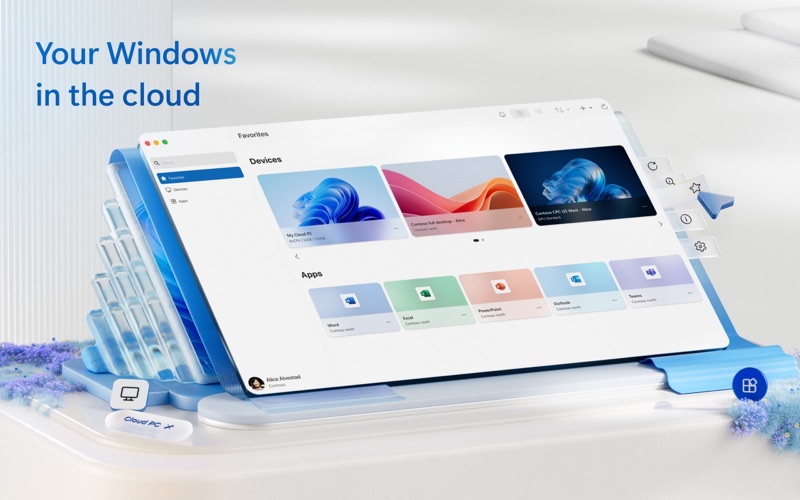
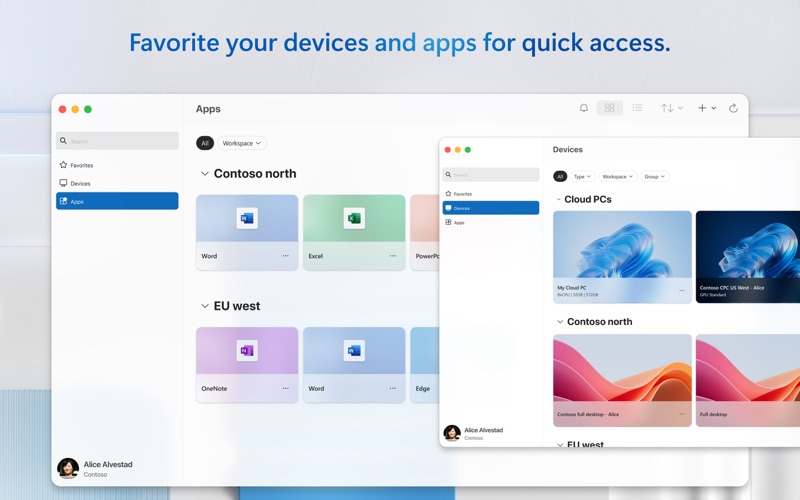
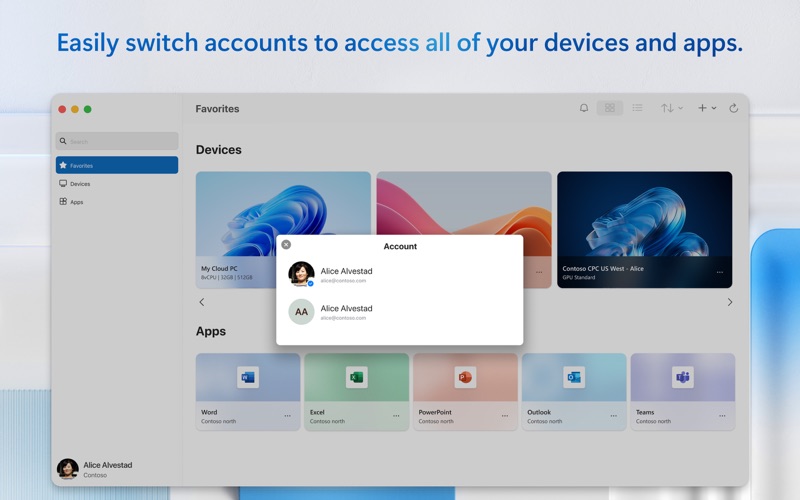
Windows App for Mac (previously named Microsoft Remote Desktop) is your gateway to securely connect to Windows including remote PCs and admin-provided virtual apps and desktops across Windows 365, Azure Virtual Desktop, Dev Box and Remote Desktop Services. Embrace the simplicity of a unified client with Windows App and connect to Windows in the cloud with ease and security, from the device of your choice.
Windows App is a remote desktop and windows app by Microsoft Corporation for Mac. It needs macOS 15.0 or later.
Price and purchases
Windows App is free to download from the App Store.
Price from the App Store, checked 12 Nov 2026. Prices and purchases change; check the App Store before you buy.
Facts
- Price
- Free
- Requires
- MacOS 15.0 or later
- Version
- 11.4.5
- Last updated
- 11 Nov 2026
- Size
- 99 MB
- Age rating
- 4+
- First released
- 28 Nov 2017
- App Store category
- Business
- Also listed in
- Wirtschaft
From the App Store listing, checked .
What's new in version 11.4.5
In this release we made the following updates: • Added support for launching Cloud PC and Azure Virtual Desktop resources from the Windows App web portal. • Resolved an issue that caused the "Refresh All Resources" shortcut (Command + R) to sometimes fail after switching tabs. • Added mitigations to prevent stuck Windows keys in the remote session. • Resolved an issue where workspace refresh would get stuck when authentication or token acquisition fails. • Fixed multi-monitor layout and scaling when Retina support is enabled (including mixed-resolution displays). • Resolved issues with selection highlighting and keyboard focus in the account switcher. • Improved WebAuthn redirection by resolving passkey registration issues with external security keys. • Improved reconnection reliability and connection monitoring to help prevent premature session disconnections during network interruptions. In addition, we've also made updates to strengthen security, performance and reliability, and to lay the groundwork for upcoming features. This update requires macOS 15 and later. macOS 14 is no longer supported. If you encounter any errors, you can contact us via Help > Submit Feedback.
From the developer's App Store release notes.
Alternatives to Windows App
Other remote desktop and windows apps for Mac, by App Store chart ranking.
 Jump Desktop (RDP, VNC, Fluid)$34.99, same category, 64 MB smaller
 Parallels DesktopFree, same category, 18 MB larger
 Parallels ClientFree, same category, 87 MB smaller
 VMware Remote ConsoleFree, same category, 72 MB smaller
 virtualOS VMFree, same category, 97 MB smaller
 SoftVMFree, same category, 90 MB smaller
Details
- Developer
- Microsoft Corporation ↗
- Category
- Remote desktop and Windows
- Website
- go.microsoft.com


