Productivity and work PDF app for Mac
VisualDesigner
by Tien Thinh Vu
- Price
- Free
- Platforms
- Mac
- Requires
- macOS 10.11+
- Updated
- 12 Mar 2023
Overview
From the developer's App Store description:
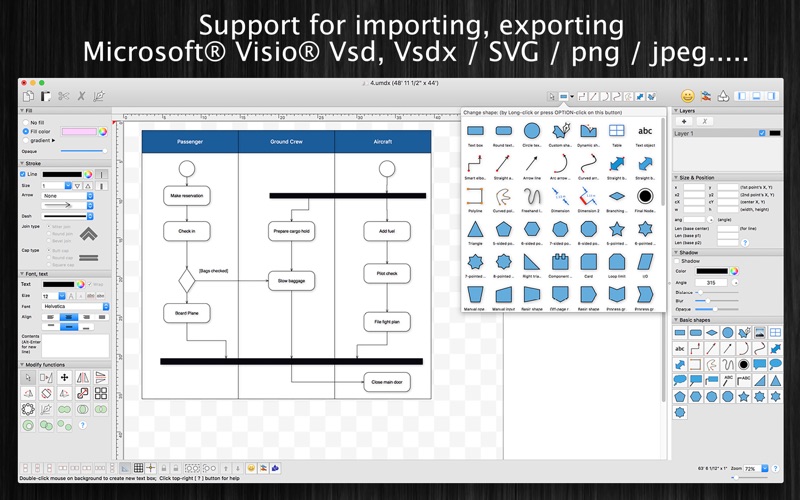
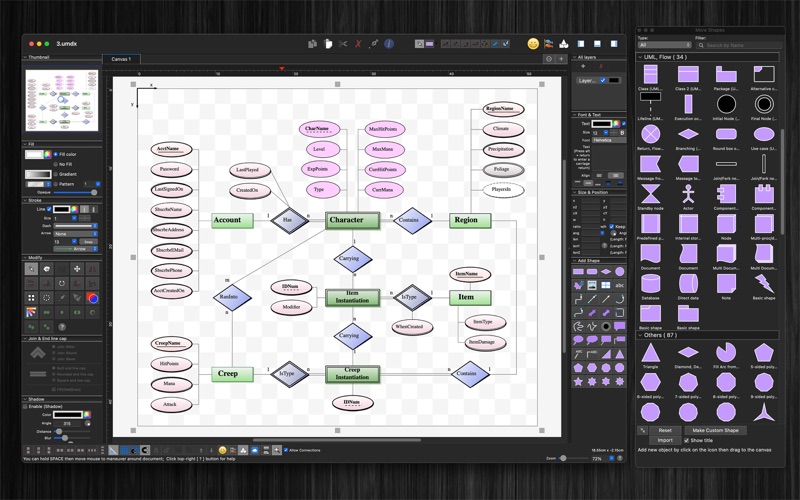
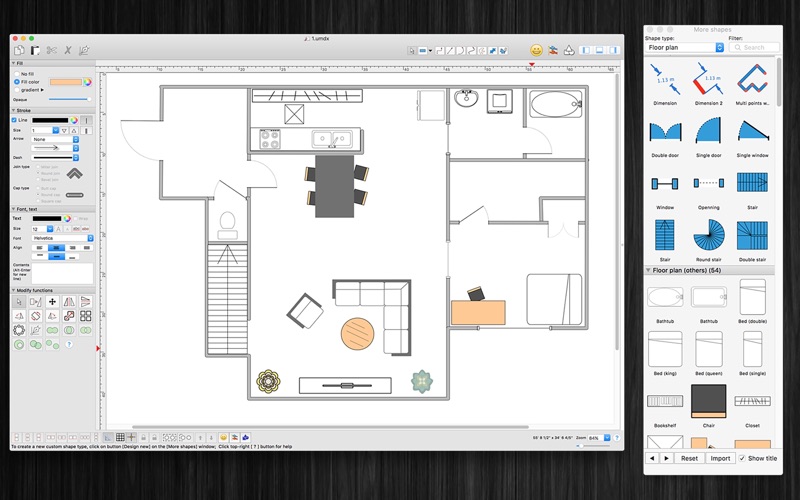
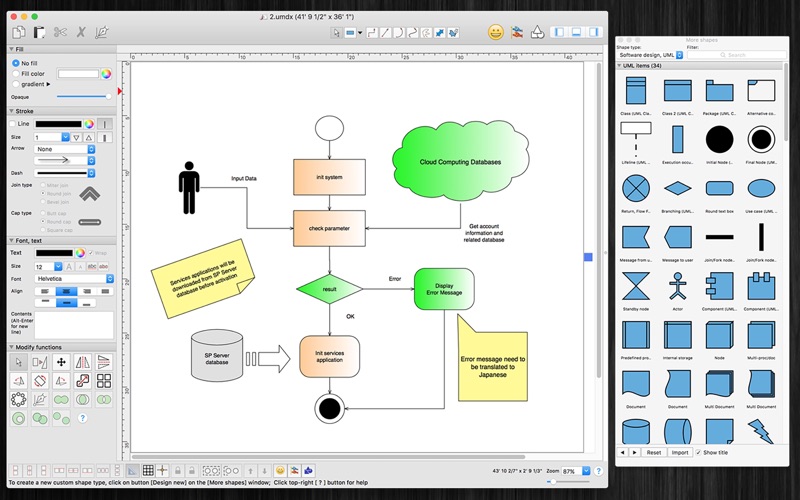
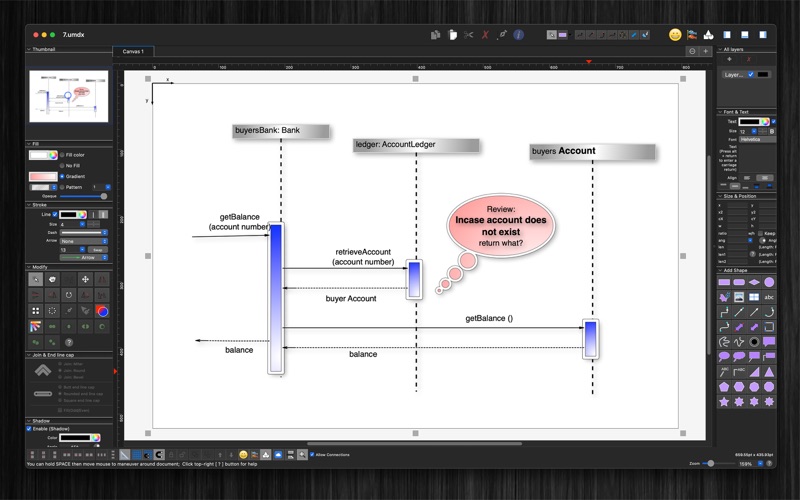
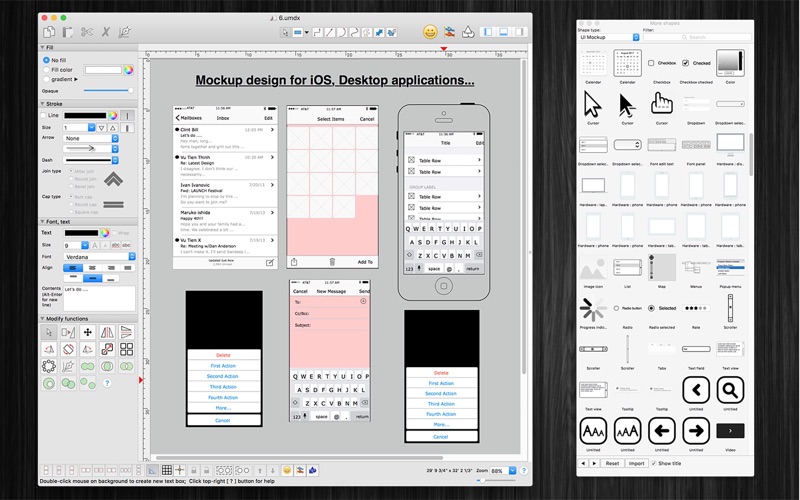
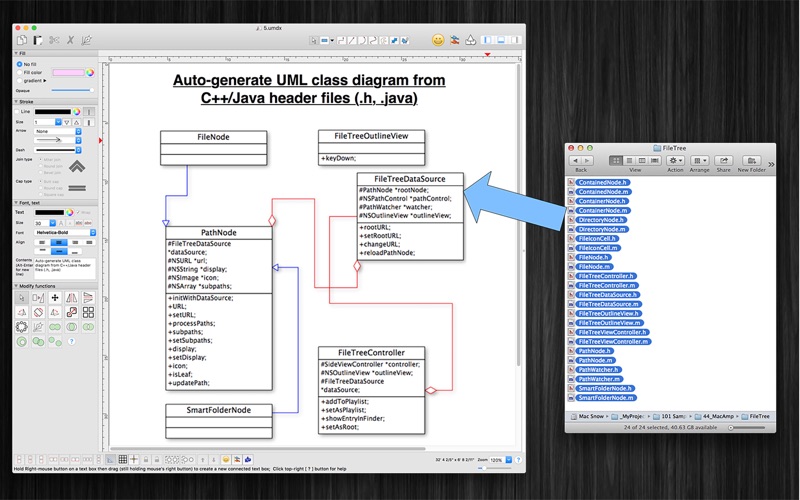
VisualDesigner is a multi-purpose design application. The application help you make diagrams, UI mockup, flow-charts, UML, floor plan quickly. (* Number of objects/shapes added to each document is limited, you could upgrade to Pro-Version to remove this limitation. *).
VisualDesigner is a PDF app by Tien Thinh Vu for Mac. It needs macOS 10.11 or later.
Heads up: VisualDesigner has not had an App Store update since 12 Mar 2023. Apps that go this long without updates may not work well on the latest macOS or iOS.
Price and purchases
VisualDesigner is free to download from the App Store.
Price from the App Store, checked 12 Nov 2026. Prices and purchases change; check the App Store before you buy.
Facts
- Price
- Free
- Requires
- MacOS 10.11 or later
- Version
- 5.11
- Last updated
- 12 Mar 2023
- Size
- 89 MB
- Age rating
- 4+
- First released
- 14 Feb 2017
- App Store category
- Graphics & Design
- Also listed in
- Productivity
From the App Store listing, checked .
What's new in version 5.11
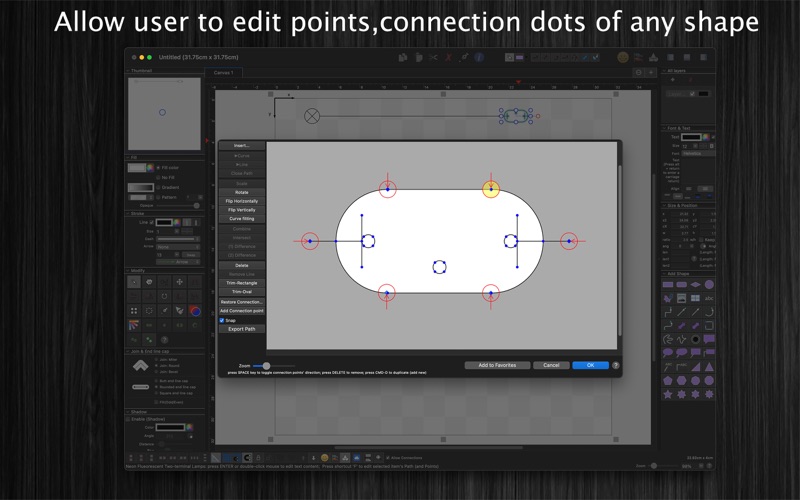
- Support macOS 13 Ventura - Improve UI - Fix bugs Previous updates: - Support Apple Silicon - Import/Export custom favorite shape - Allow user to edit connection dots of any shape, box - Support multi-canvas (multi-tabs) for each document - Improve Grid setting, Snap setting (add minor step setting...) - Improve polyline object (support curve segment...) - "CMD-9" to change zoom to fit to canvas size - Allow to change arrow size of each line - Allow to change theme color of all items inside current document - Support fill setting: Pattern - Add modify functions: Copy/Paste properties - Add modify functions: Apply Gradient fill to multi objects - Unit setting for each document: each document support different unit setting - Allow to resize, move sub-object (which is inside a group) individually - Allow to resize canvas from all directions - User can move, resize object to outside of canvas's printable area - Improve app's performance - Support rich text format - Allow to add hyperlink/description to shapes - Hold SPACE-BAR to maneuver/scroll around document - Hold ALT key then drag items to clone/duplicate - Hold 'A' key then drag mouse to create a new smart connection line …
From the developer's App Store release notes.
Alternatives to VisualDesigner
Other PDF apps for Mac, by App Store chart ranking.
 PDFgearFree, same category, 41 MB larger
 PDF ReaderFree, same category, 66 MB smaller
 Designs for Cricut MakerFree, same category, 76 MB smaller
 Design Space & Font for CricutFree, same category, 71 MB smaller
 Templates for AllFree, same category, 86 MB smaller
 PDF Reader for Adobe PDFFree, same category, 87 MB smaller
Details
- Developer
- Tien Thinh Vu ↗
- Category
- Website
- vutienthinh.wordpress.com